




Quick links
How to create an OkCupid account
- By SMSPool Admin
- Guides

OkCupid is an online dating platform offering a unique experience for those seeking connections. While creating an account on OkCupid is straightforward, it requires phone number verification. For those hesitant to share their phone numbers online, SMSPool offers a solution. With SMSPool, you don't need to use your personal number; instead, you can use SMSPool's verification service. This adds an extra layer of protection and is priced at $0.20. With this method, you can create your OkCupid account worry-free! Let's explore how to set up your account on OkCupid.
What you need:
- A phone number or use SMSPool for verification.
- Download their app on the Play Store or visit directly to their website
How do I create an OkCupid account?
Creating an OkCupid account takes less than 5 minutes of your time! However, you need to follow these steps to create one.
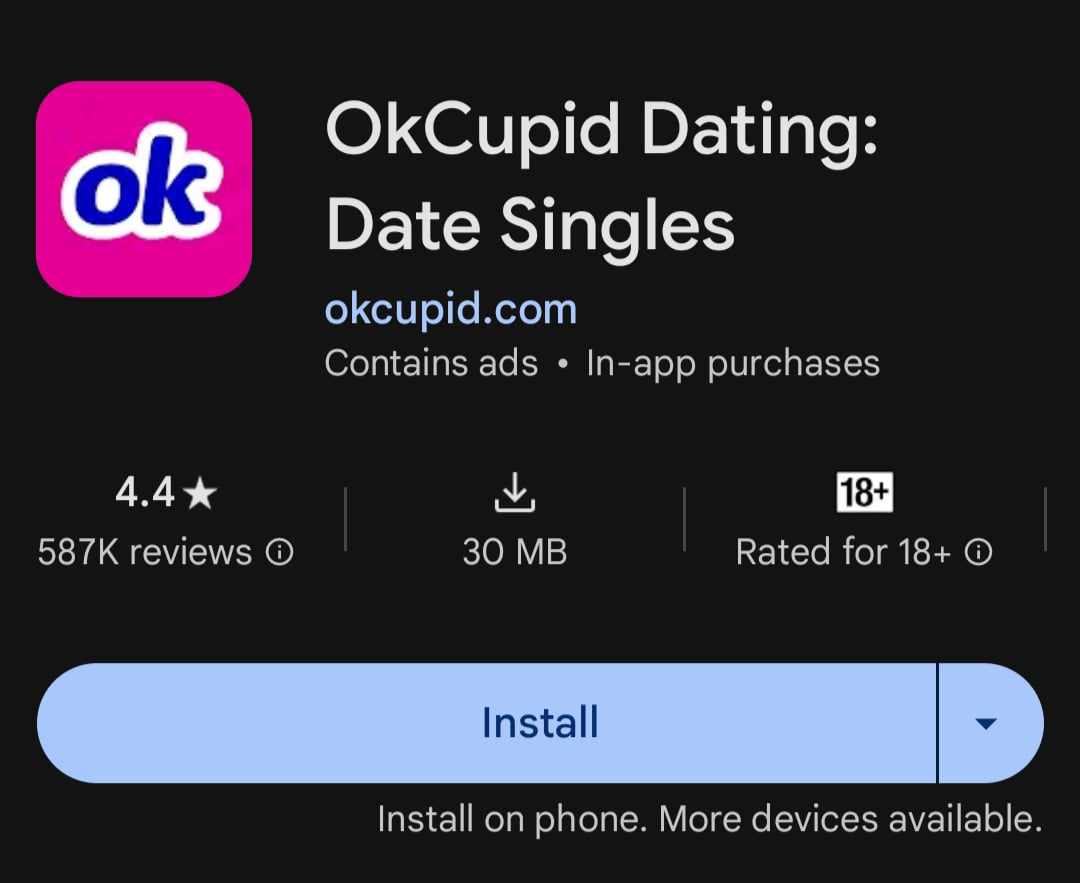
Go to the Play Store and download the OkCupid app
The screenshot shows the correct app for OkCupid, click install.
Open the OkCupid app on your mobile device
After opening the app, fill in your Email.

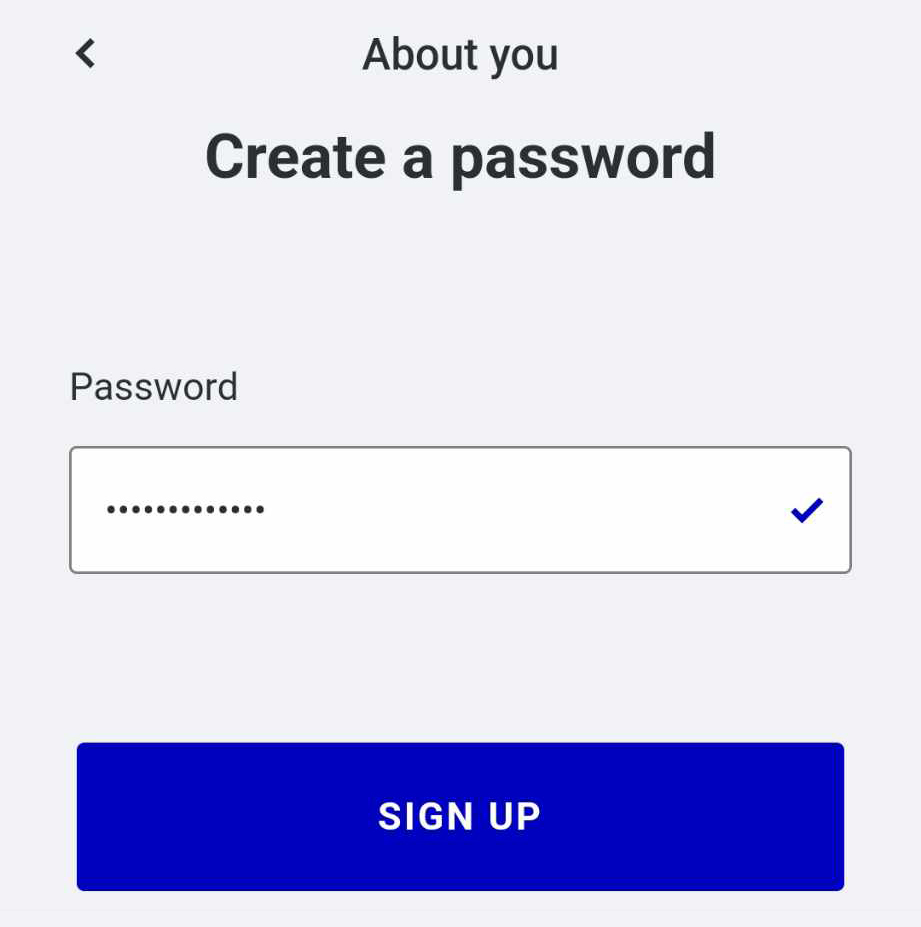
Create a password for your OkCupid Account
Create a password that only you know.
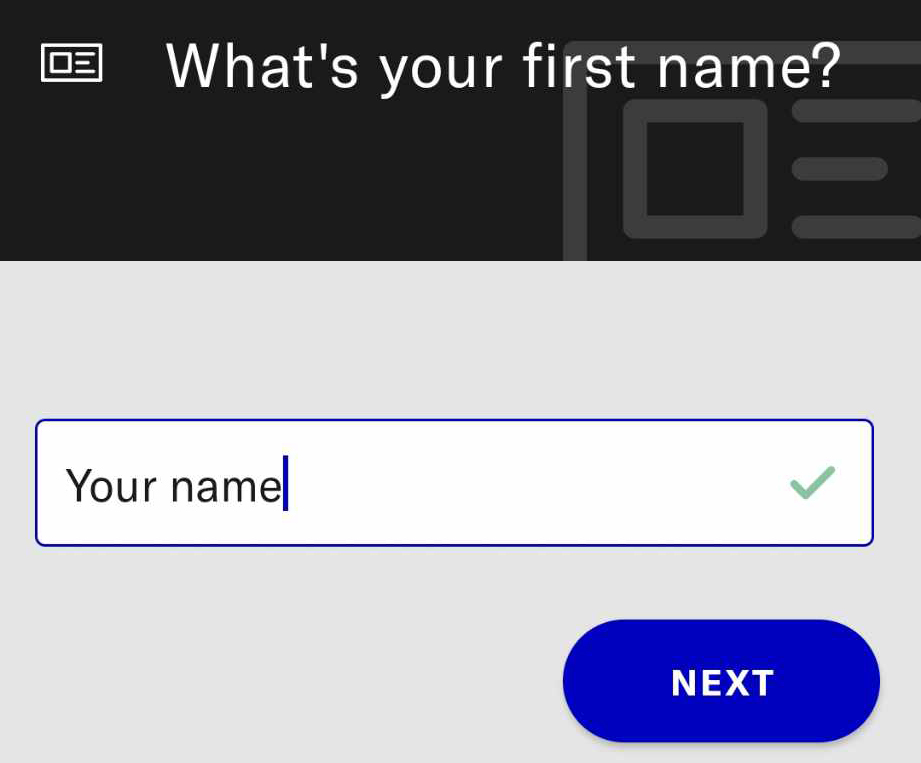
Fill in your first name
You may fill in the name that you want to appear as.
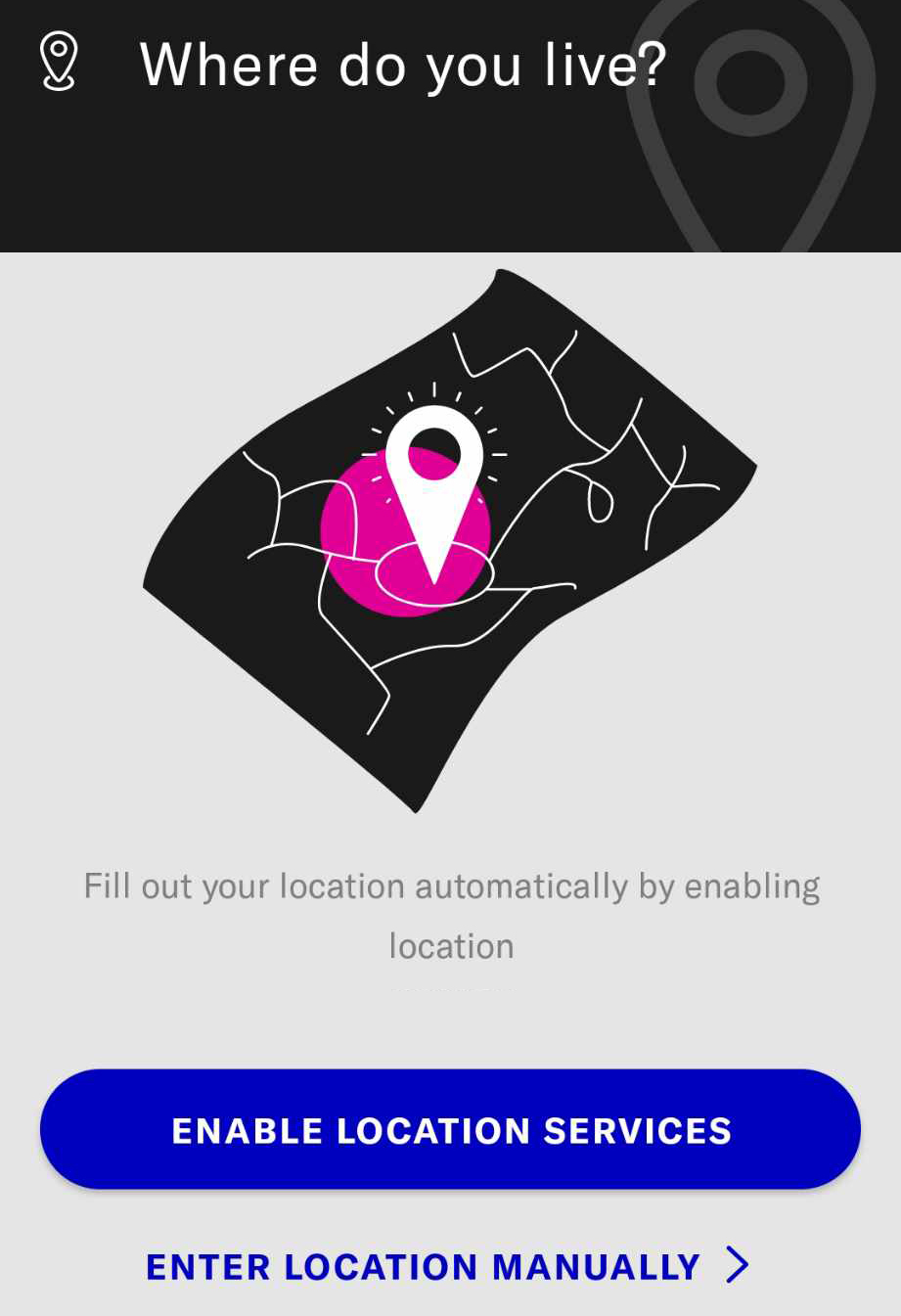
Enter your location on OkCupid App
Manually enter your location or open your location service on your device on OkCupid app.
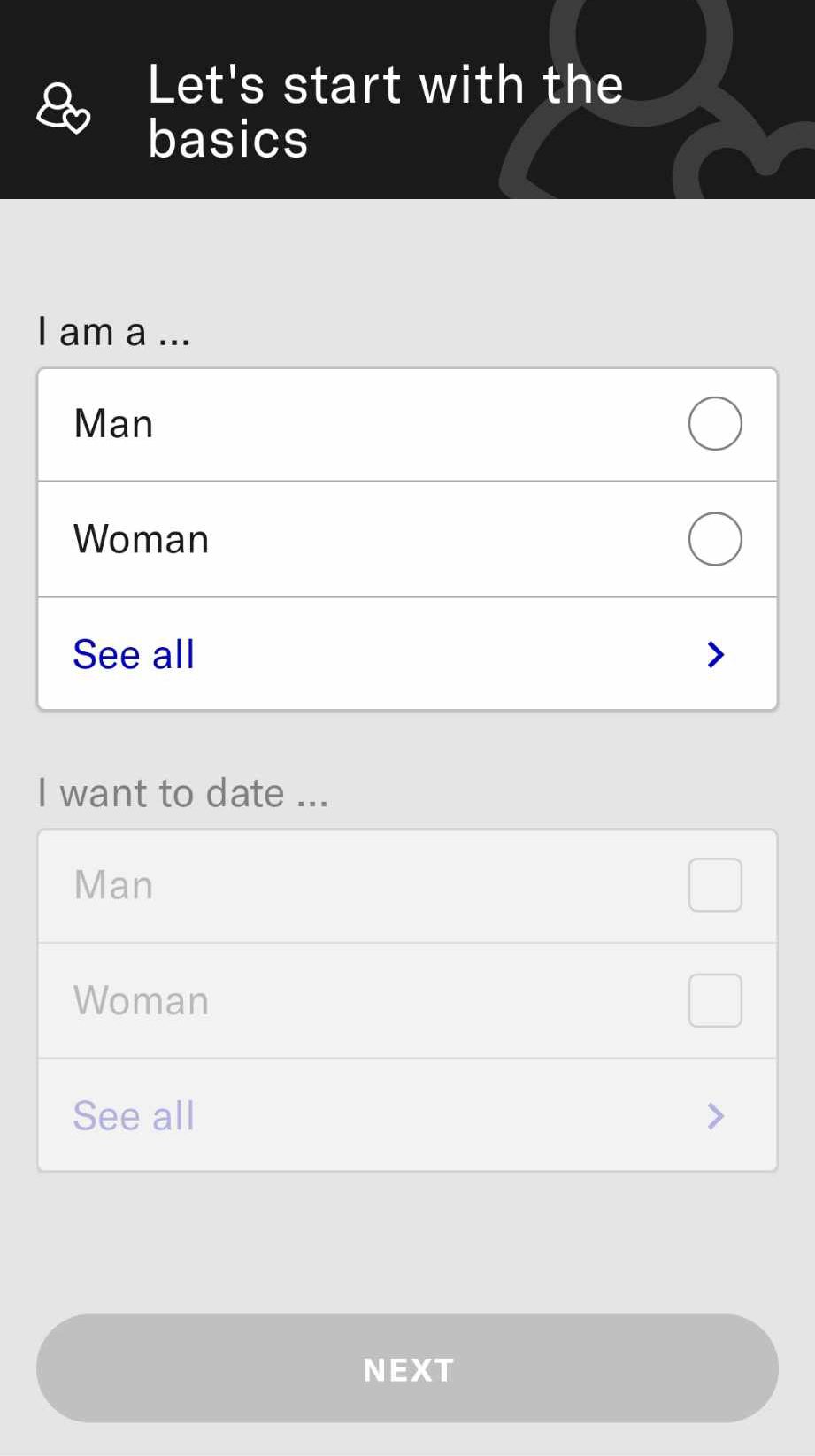
Select your Gender and preferred match-up.
Select your gender and the gender of those you are interested in dating from the available options.
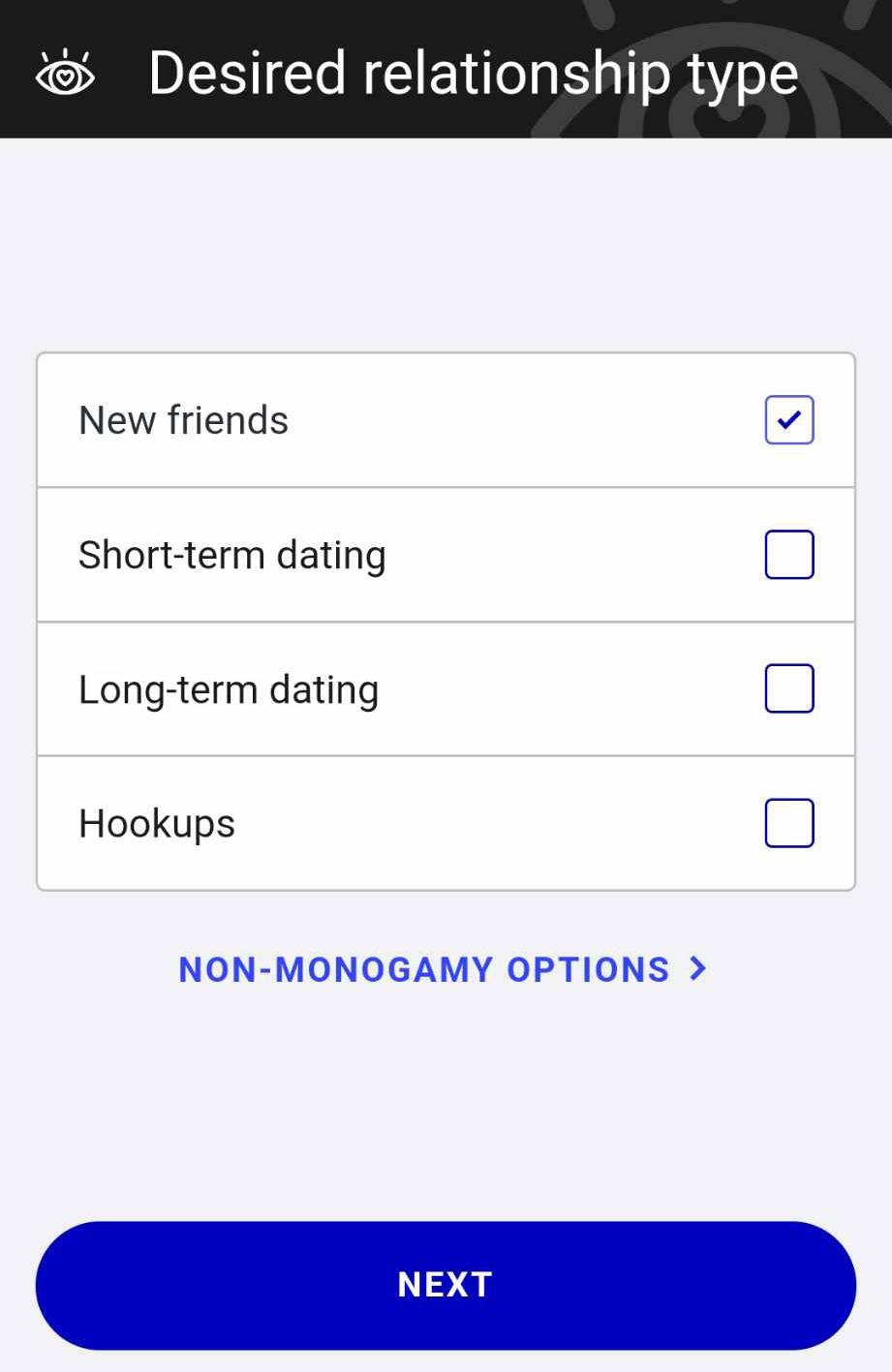
Select your desired relationship type
Select which type you want on the available option.
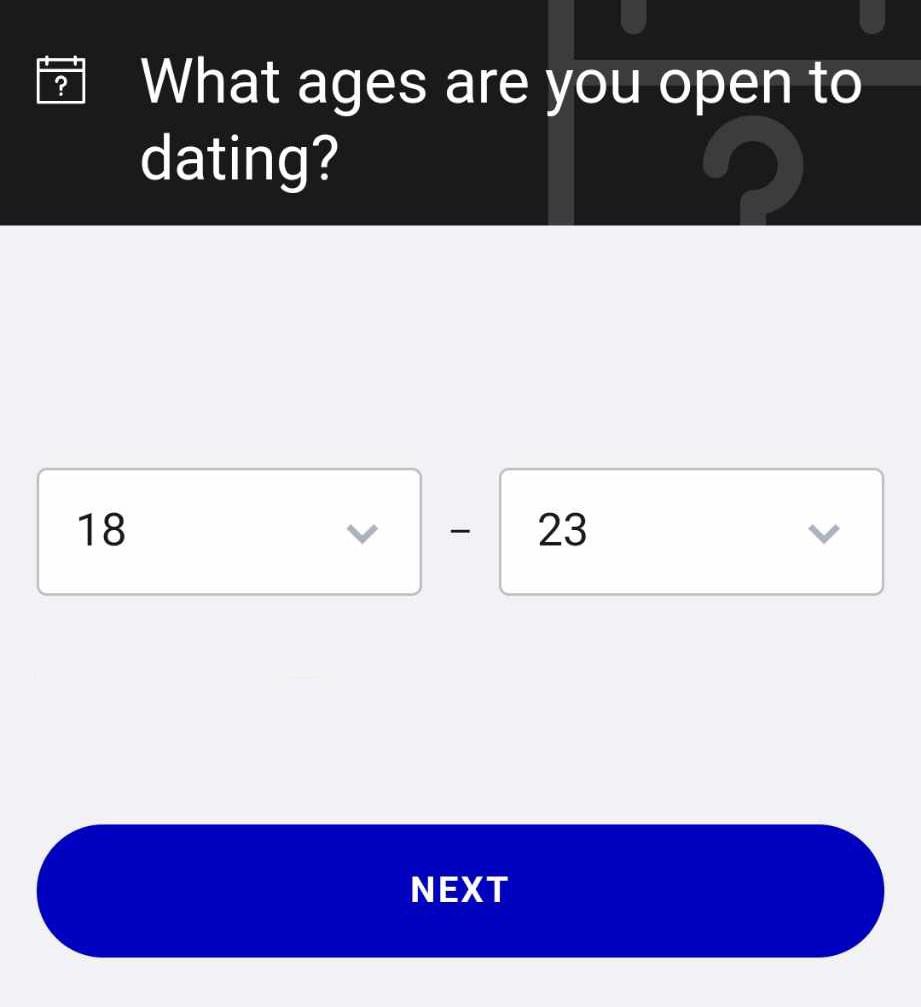
Fill in the age you are open to date
If you are in legal age, you may choose either older than you or younger than you.
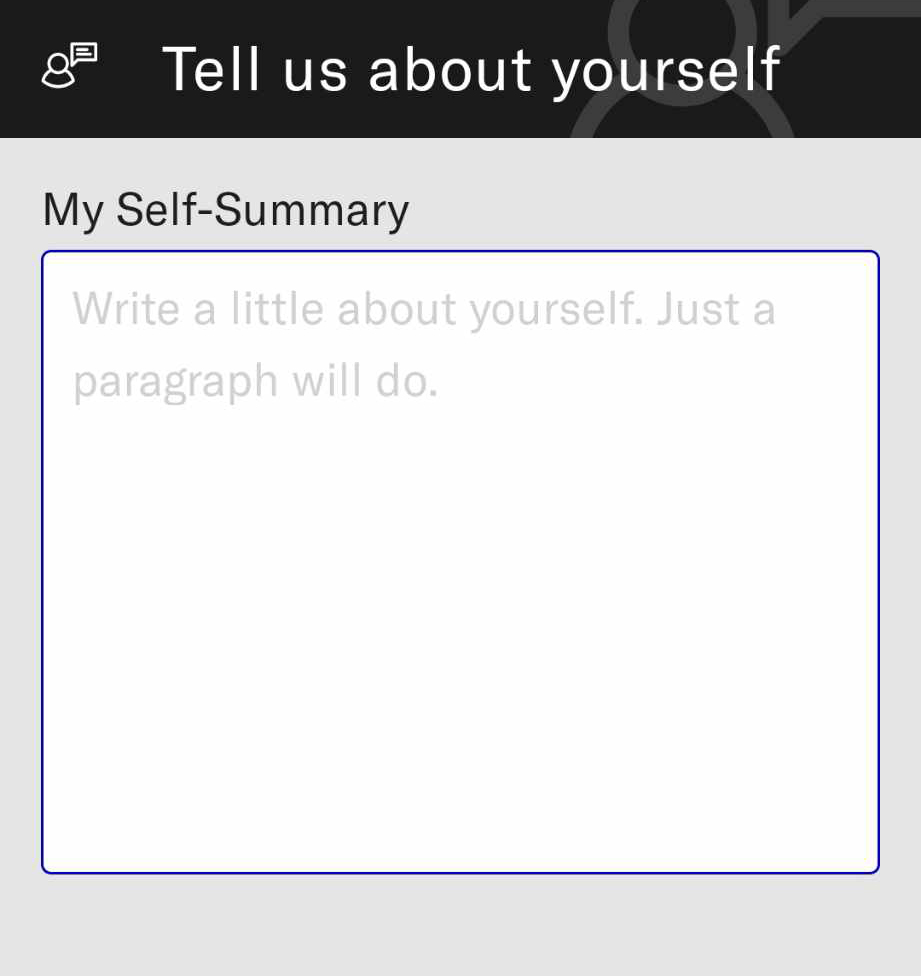
Write a self-summary about yourself.
Now, put a simple self-summary about yourself, about who you are, or for example what gender you want to date.
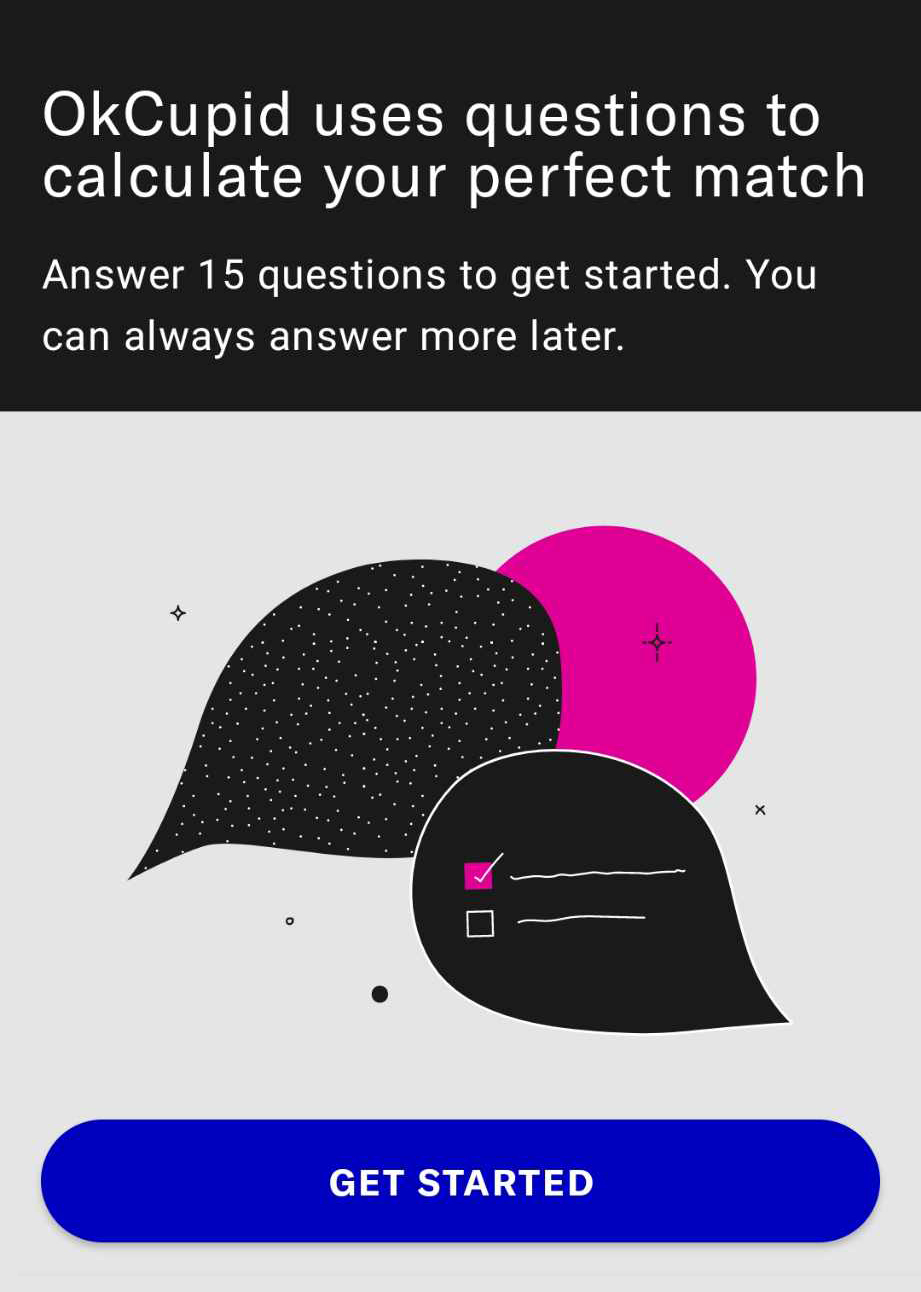
Answer the 15 questions that OkCupid asks you to complete.
Read the questions and choose the answers that you think best represent you.
Verify your phone number
For this step, OkCupid requires you to enter your phone number as a measure to secure your account.

You have the option to use either your phone number or opt for OKCupid SMS verification through SMSPool. Why choose SMSPool for OkCupid SMS verification? SMSPool provides a convenient alternative, especially if you're experiencing signal issues with your SIM card, or if you prefer to keep your personal phone number private. If you don't know how to get a paid phone number, please read our guide on how to get a paid SMS verification.

Receive your SMS Code.
If you register using your phone number, you will receive an OKCupid SMS verification code that looks like this: Your OKCupid code is 687565 Te9sW09121. If you did, fill in the 6-digit code.
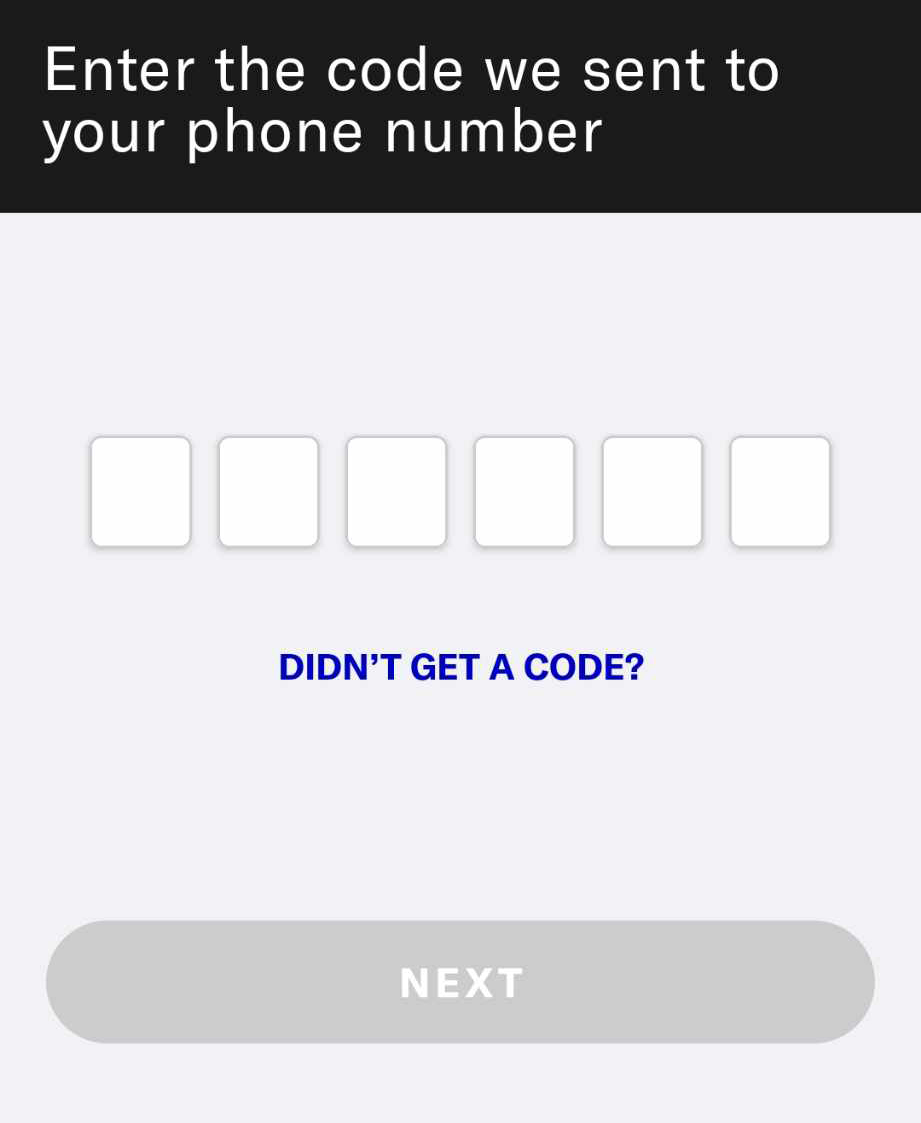
If you're using SMSPool for verification, the code will be sent to your SMSPool Order SMS page as shown in the screenshot below. Next, simply copy the code from SMSPool and paste it into the OkCupid app to verify your account.

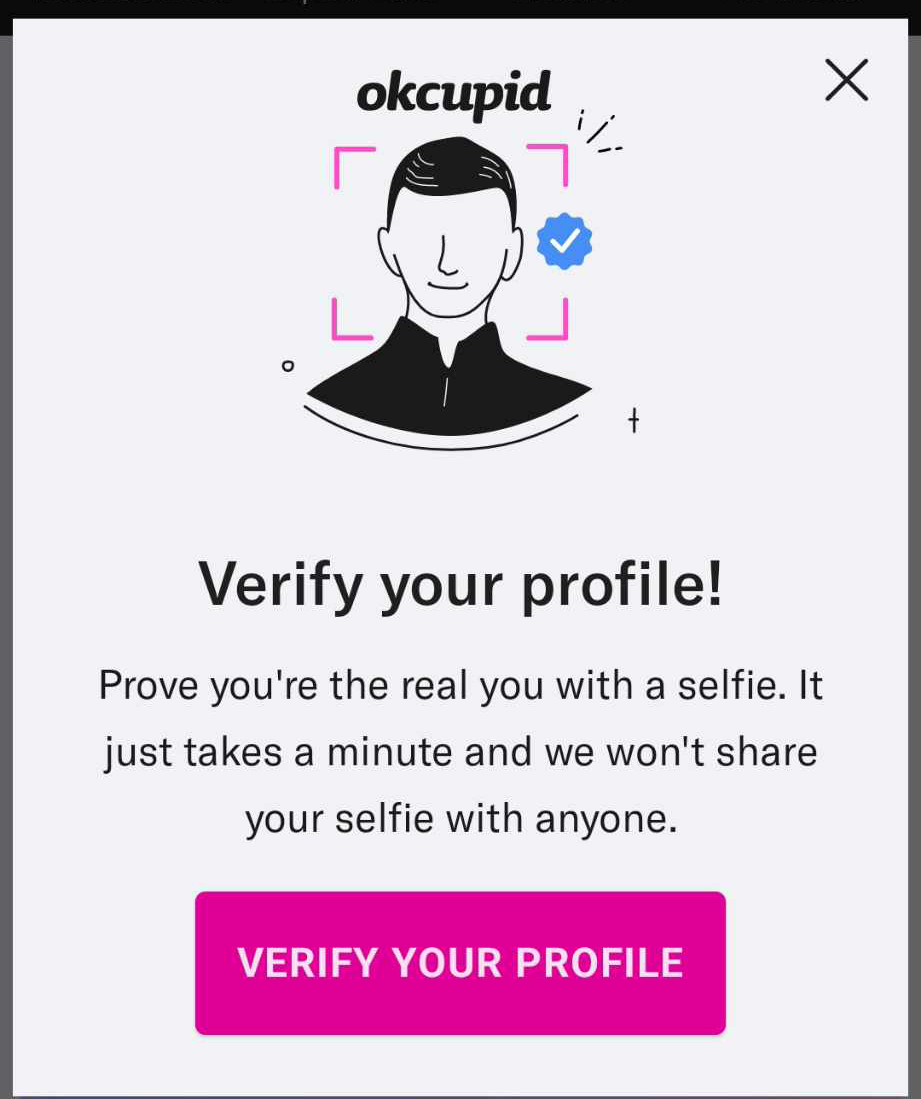
Verify your profile
Don't worry, this process is easy! All you need to do is verify your identity with a selfie and complete your basic information to fully create an OkCupid account.
Congratulations! That's how you create an OkCupid account! you followed the steps, right? If you follow them correctly, you shouldn't encounter any problems. Are you having trouble receiving your SMS Verification code? Feel free to contact our team support; we are available for you as soon as you contact us! I have listed some lists below that might help your trouble.
Having trouble receiving your SMS Verification code?
- If you are using your desktop to register an OkCupid account and did not receive your SMS verification code; try using your phone.
- Don't create too many accounts on one device; your device will be flagged for creating too many accounts.
- Your IP has been banned for spamming or some other reason; try another device or change your IP address.
- You downloaded the OkCupid app from unofficial sources, make sure you followed the steps and have downloaded it from the trusted Playstore/AppStore.
- If you're experiencing signal issues with your SIM card, consider using SMSPool for your OkCupid SMS verification.
About the author
SMSPool Admin
The owner of SMSPool.net, a site that originally started as a hobby but saw rapid expansion due to the high demand, loves anything technology related and loves writing about technology related articles.
www.smspool.netOther interesting articles
How to Get Amazon SMS Verification
Discover the advantages of using a temporary virtual phone number on Amazon, facilitated by SMSPool, ensuring privacy, security, and a seamless sign-up process.
- By Admin
- January 19, 2024
SMSPool now accepts Cash payments!
SMSPool introduces the option to pay with cash, making transactions more flexible for users
- By Admin
- August 22, 2025
SMSPool Press Kit
Everything you need to feature SMSPool. Download our official logo pack, view brand guidelines, and get the latest company facts for editorial use.
- By Admin
- November 3, 2025
How to Get a Google SMS Verification Number
Verify your Google or Gmail account without your personal number. Get a real non-VoIP SMS number from SMSPool. Code in 30 seconds.
- By Admin
- May 29, 2026
How to register on OpenAI without phone
Run into issues while registering on OpenAI/chatGPT? This article guides you on how to register on OpenAI without a phone number.
- By Admin
- December 8, 2022
How to select a custom area code on SMSPool
This guide shows you how to order a phone number from a specific US area code on SMSPool.
- By Admin
- December 13, 2025
How to get an SMS verification
A quick guide on how to get an SMS verification that will work for almost every site.
- By Admin
- December 6, 2022