




Quick links
How to get a Zalo SMS verification
- By SMSPool Admin
- Guides
Do you want to chat with your friends? Or do you want to video call them? Zalo is your answer. Yes, Zalo is a messaging app where you can connect with your friends and family, whether you want to share your story, video, chat, or even send your voice! Zalo supports various services like sending files, location sharing, and even features such as official accounts for news and service updates, which are versatile for the user.
If you want to know how to create an account. You'd need a phone number for the Zalo app; I know some people are still hesitant to share their personal phone numbers, which would lead to fatal issues. SMSPool is here to serve you; SMSPool offers Zalo SMS verification without needing your phone number. How? Simple, you need a balance of $0.12 on your SMSPool account. Verify your Zalo account without using your actual phone number!
What you need are listed below:
- Download the Zalo app from the official source; Play Store/Appstore.
- A 54 MB free phone storage.
- Ensure you have data or wifi.
- $0.12 balance on your SMSPool account.
How to create a Zalo account
Make sure to follow this tutorial for a perfect process of your Zalo account;
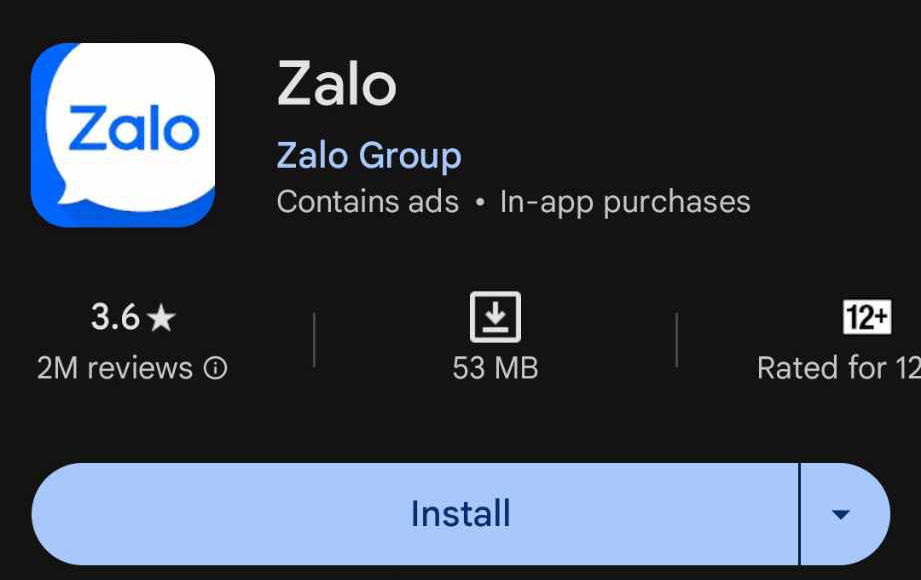
- First, search "Zalo" in your Play Store. The logo of the site should look like the one in the screenshot below;
- Then click install.
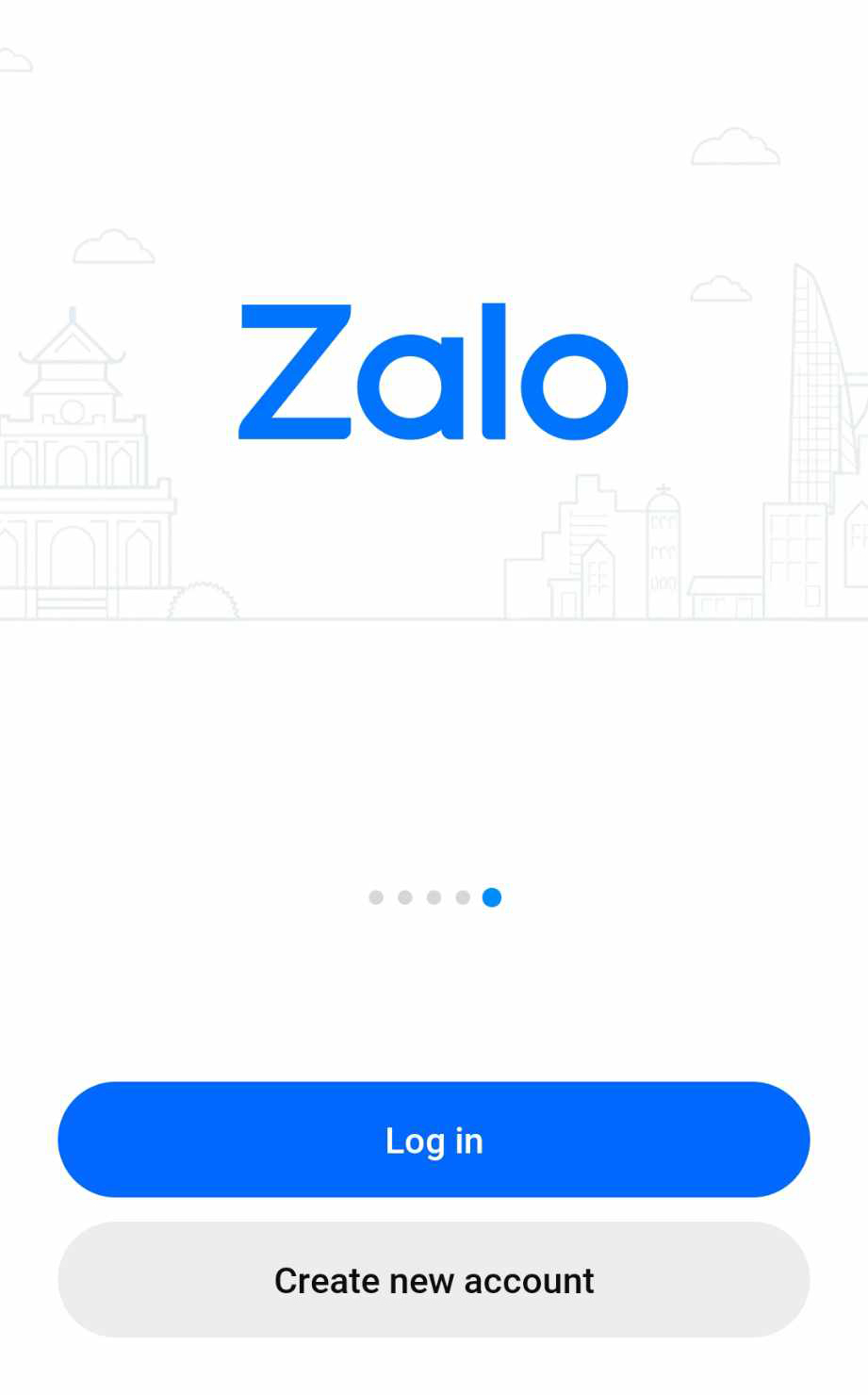
Create new account
- Once you have installed the Zalo app, create your new account.
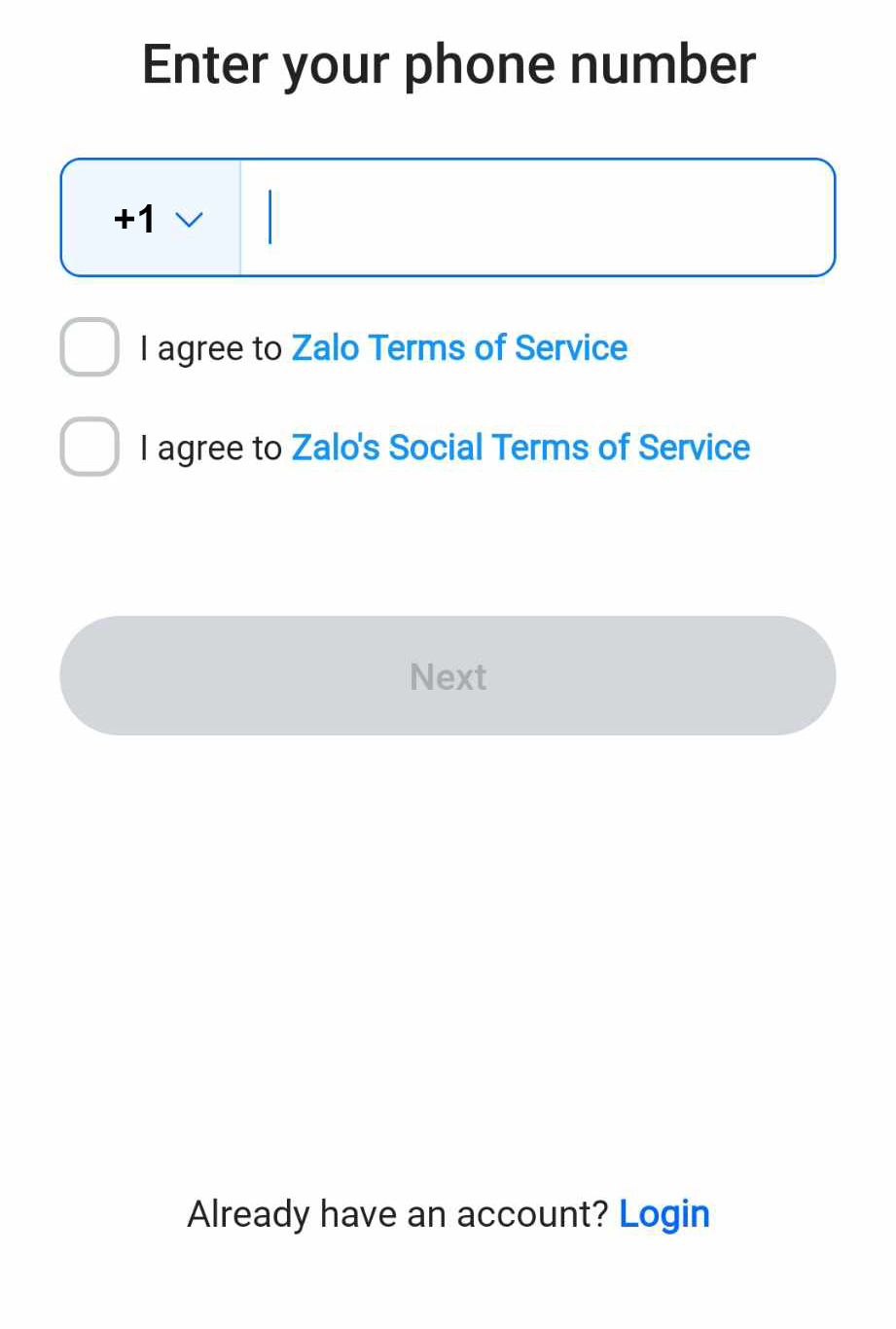
How to get a phone number for Zalo
- Let's use Zalo SMS verification from SMSPool to stay safe from other internet users.
- Head to your SMSPool order page.
Order your Zalo SMS verification code.
- Once you are on your SMSPool order page, let's get your phone number for Zalo.
- Since we are from the US, I'll select the US as the country.
- The service must be Zalo; do not select a service other than Zalo.
- Now click quick purchase.
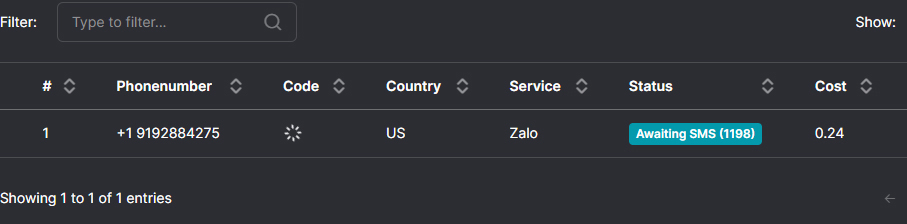
How to get the code to verify your Zalo account
- Copy the phone number from your SMSPool order page, then enter it in the Zalo app.
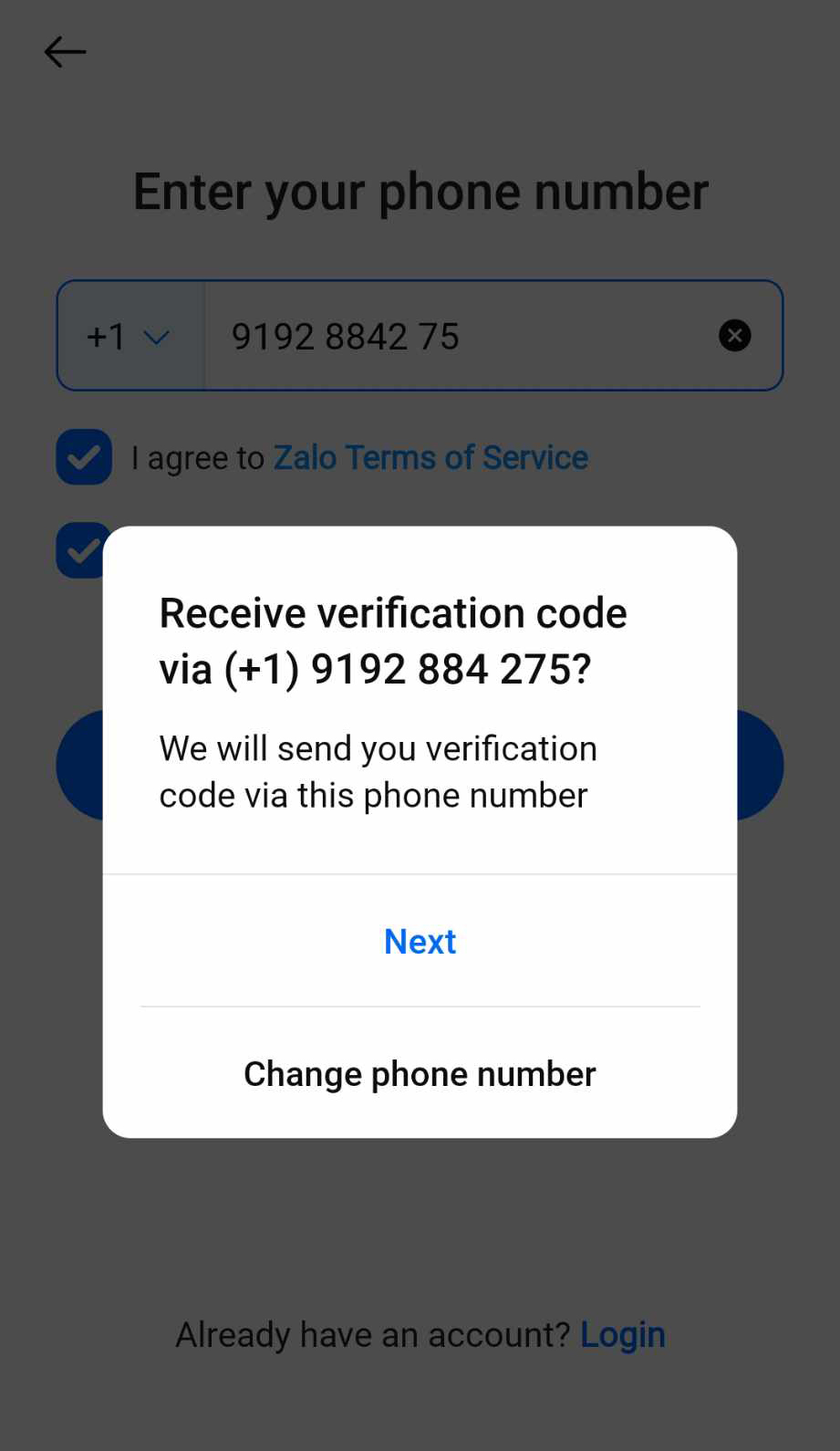
- You will be asked to confirm your phone number; please make sure you have the phone number copied.
- Then click next.
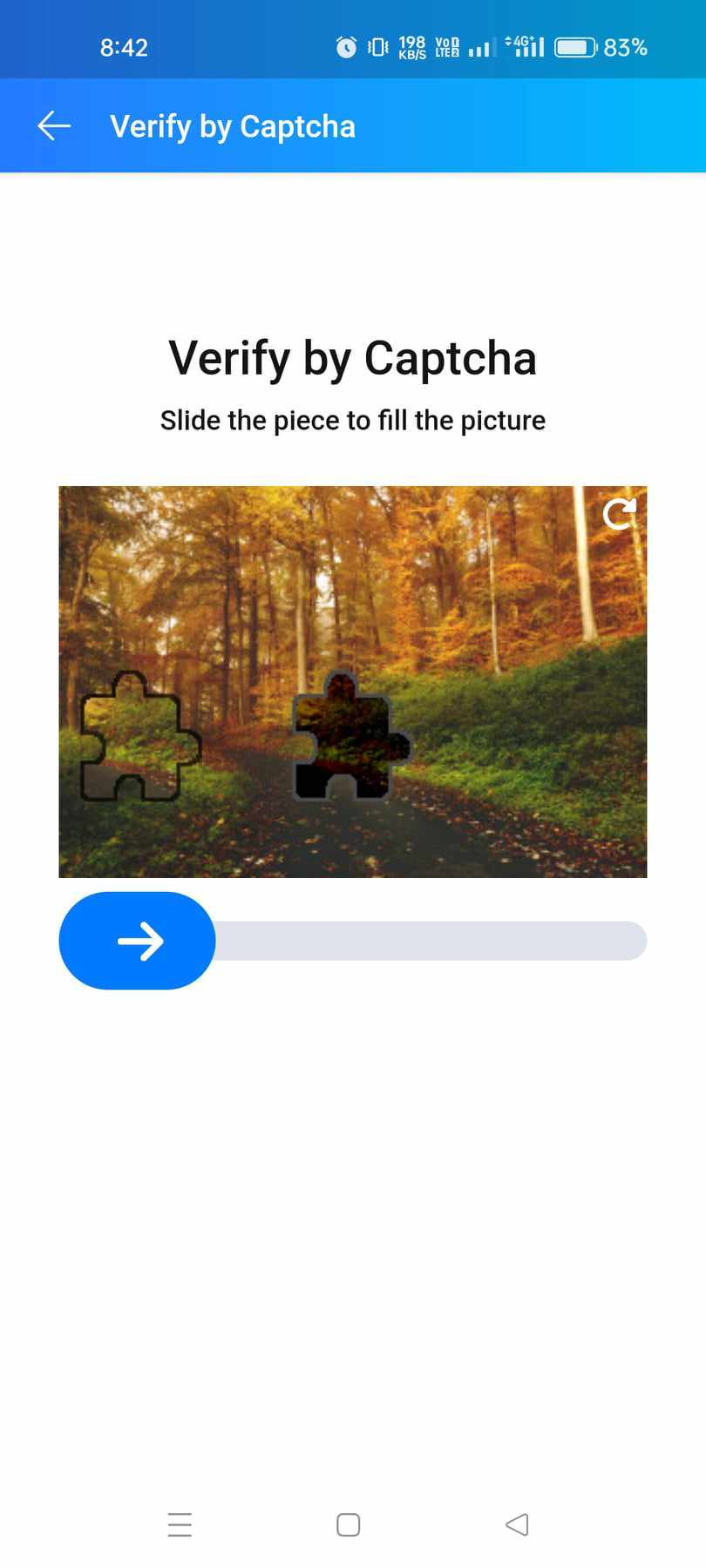
Verify by Captcha
- Of course, this part is for the Zalo app to know if the user is an AI or a human
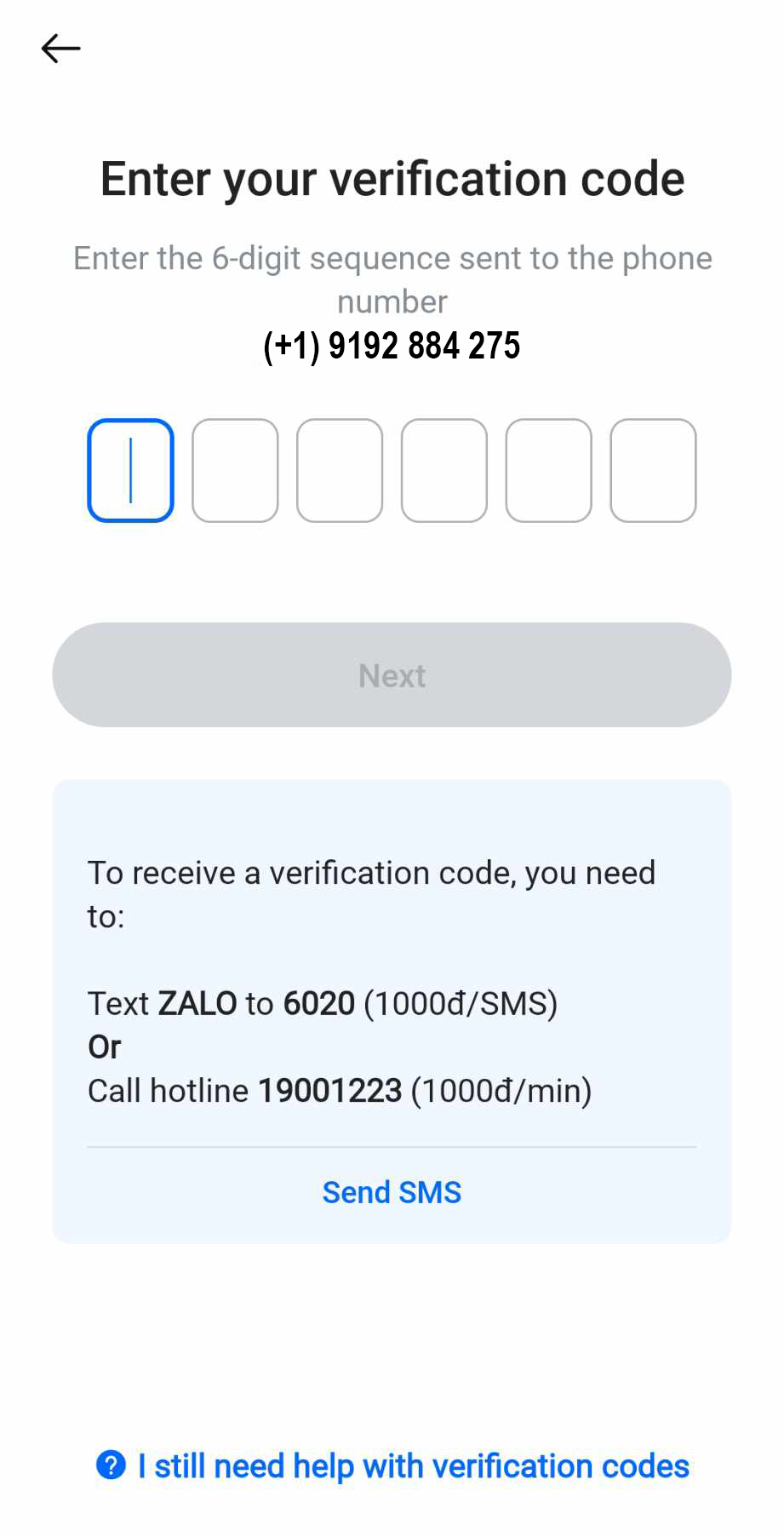
Verify your phone number
- Copy the code that was sent to your SMSPool order page then paste it in the Zalo app to verify your Zalo account.
- The screenshot below is provided as an example. The Zalo SMS verification code can be found under the "Code" tab. The example code sent is:
654123.

Complete your details
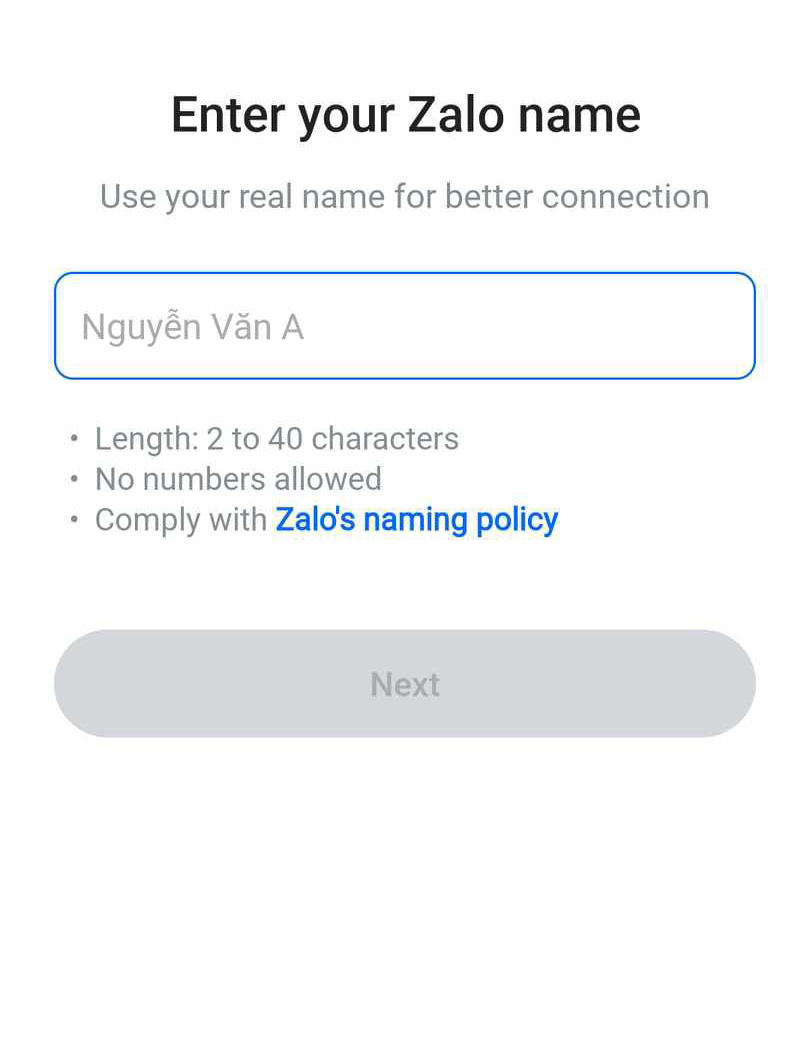
Enter your Zalo name.
- Use any name you'd like, using this you can let your friends search your name and add you to their contacts.
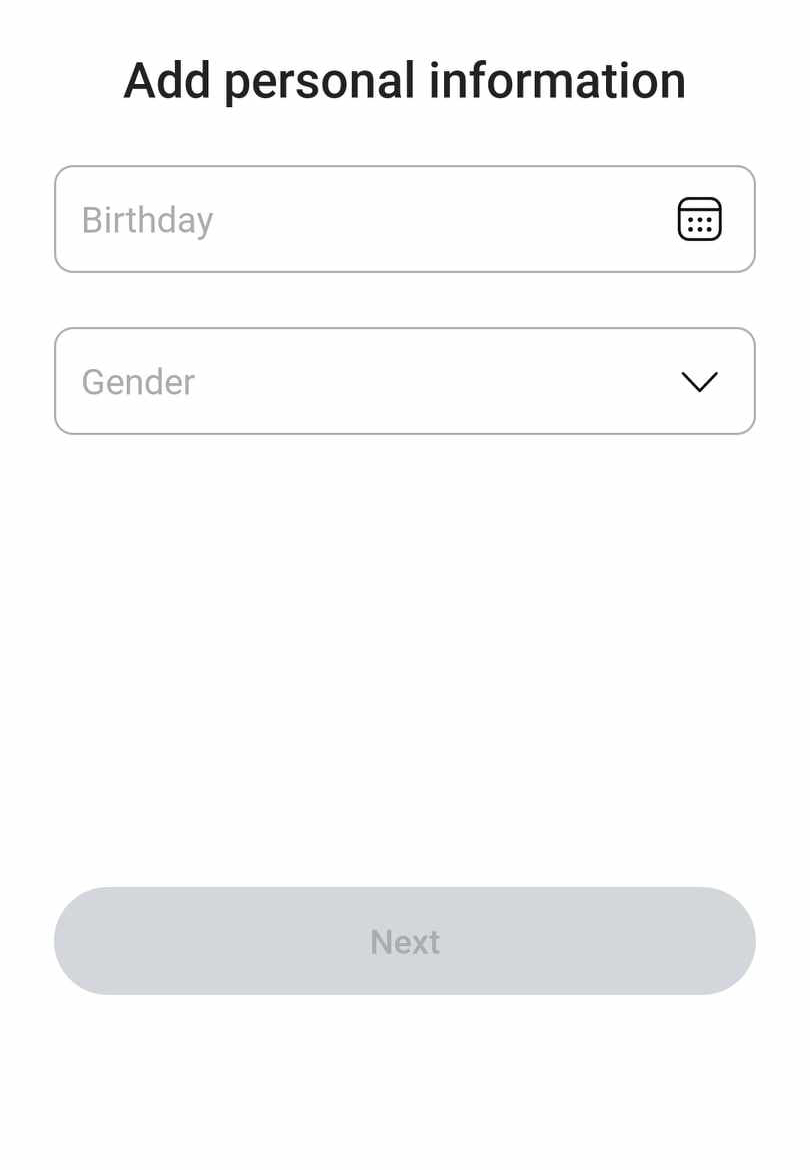
Add personal information
- Enter your birthday and gender.
- After that, click next.
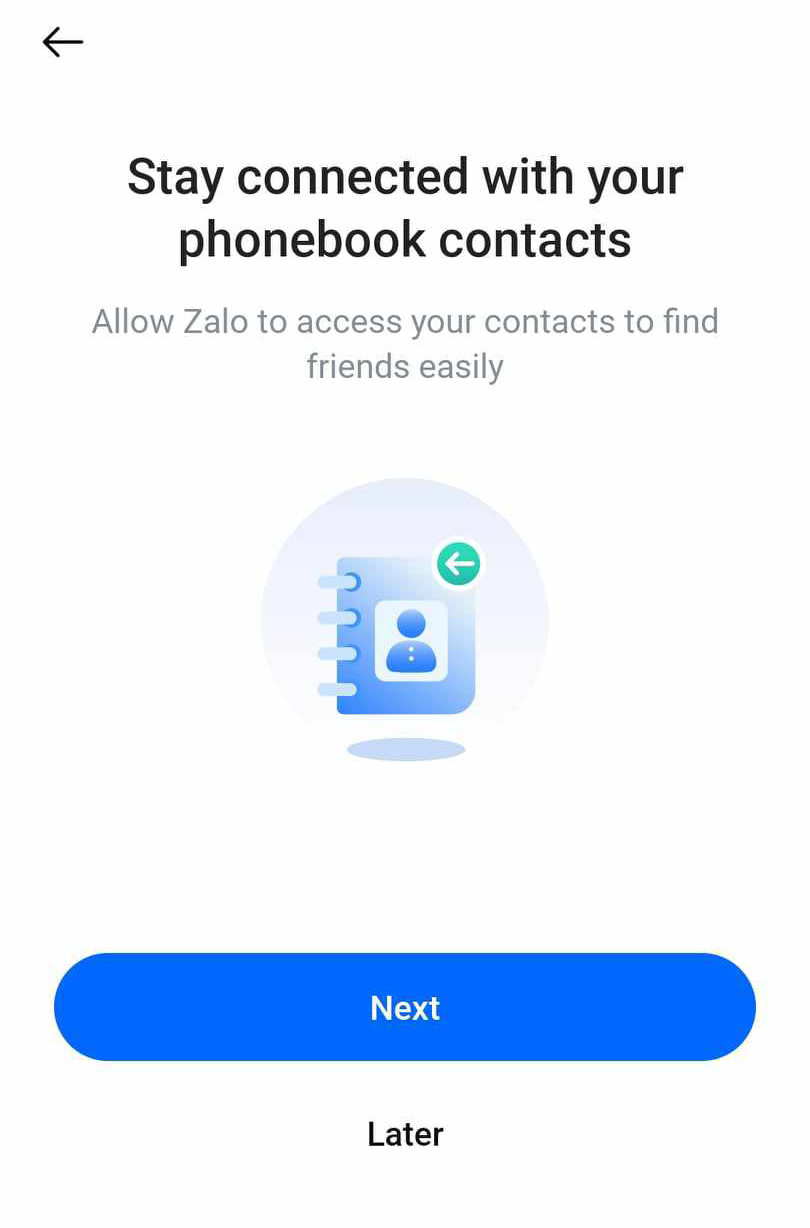
Allow access to your contacts
- You may skip this part if you do not want to allow Zalo access to your personal contacts; however, you will need to manually add your friends and family.
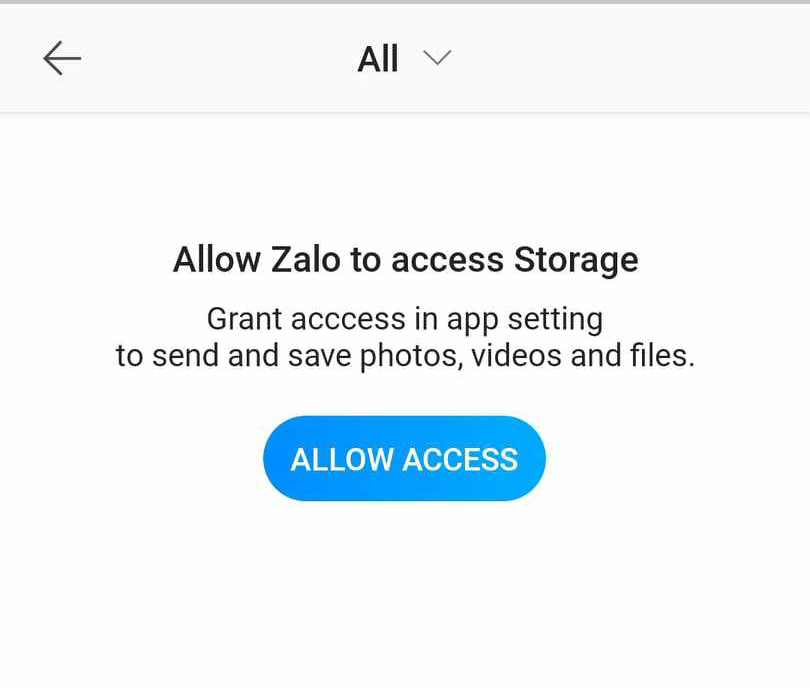
Allow access storage
- Zalo asked permission to gain access to your phone storage so you can send images, videos, and files.
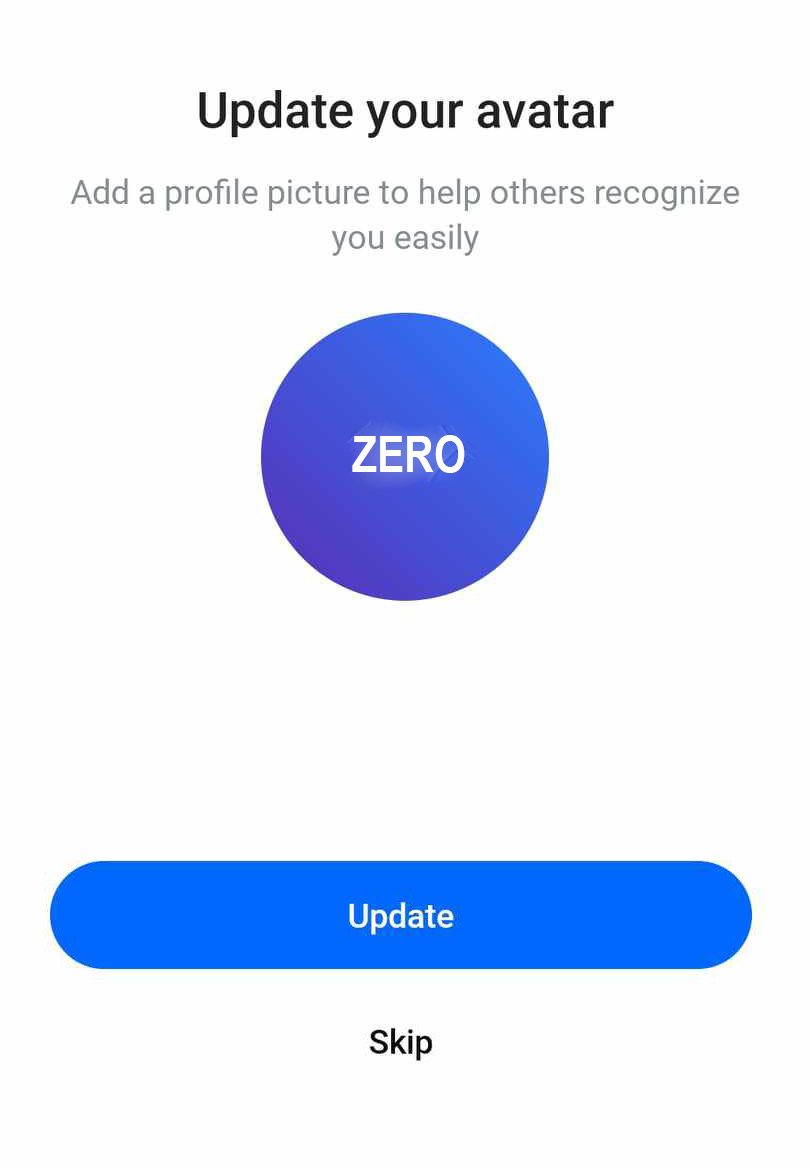
Upload your Zalo profile picture.
- Upload an image of yourself to let your friends find you better, or skip it.
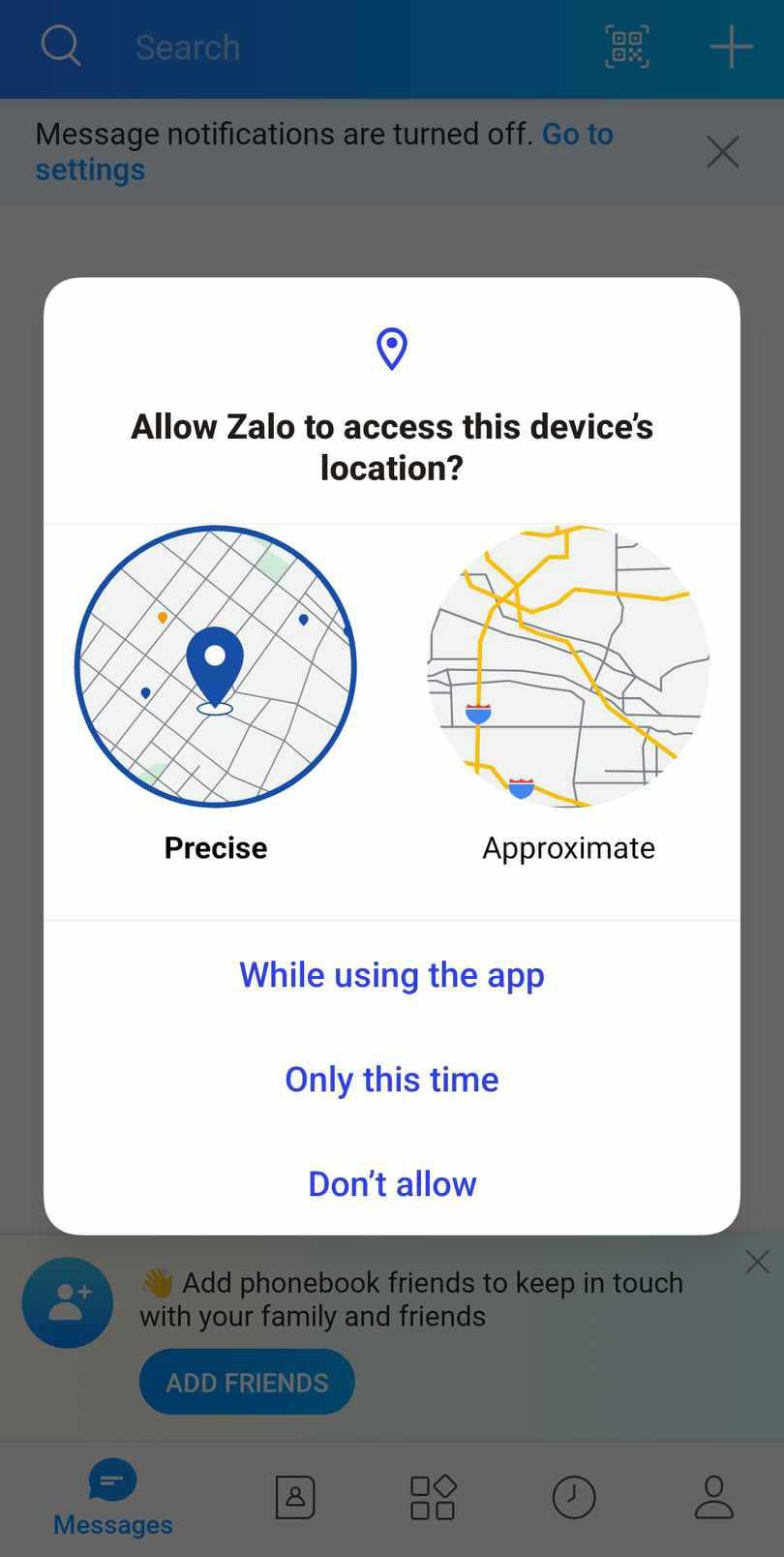
Add your location
- In this step, you may manually add your location or enable your location services to determine your current whereabouts.
You're now done creating your Zalo account!
Getting Started with Zalo
- First, you need to add your friends and family. Instead of manually adding them, click on "Add Friend from Contacts" to add them quickly.
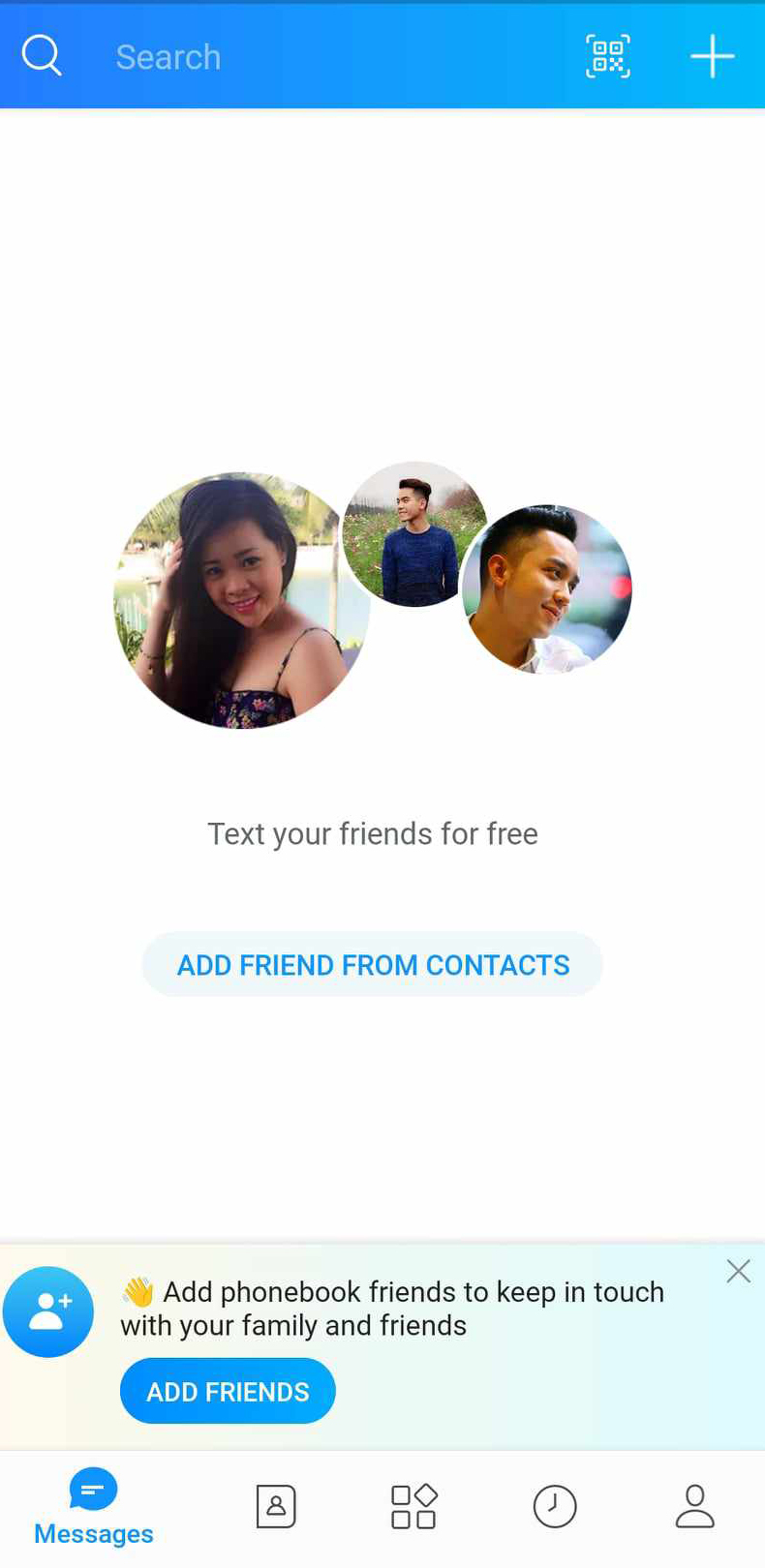
And now you're done creating your Zalo account in maybe 2-3 minutes!
Did you not receive your code?
How strange the tutorial guide should work. Anyway, if you have trouble receiving your code, let's resolve that issue using the list below. Make sure to follow the steps closely.
- Please ensure the number is based on where you're currently in; sometimes, it will not work. If the problem persists, use a VPN. Then click the app.
- Have you checked your internet connection? Double-check your internet.
- Do not exit the Zalo app before even receiving the code from SMSPool.
- If you enter the phone number incorrectly several times, the Zalo app will not send the code; it will only allow you to try again after 24 hours.
If the issue persists, open a ticket from your SMSPool account. Don't worry! We are quick to respond to your inquiries, no matter what.
Return to knowledgebaseAbout the author
SMSPool Admin
The owner of SMSPool.net, a site that originally started as a hobby but saw rapid expansion due to the high demand, loves anything technology related and loves writing about technology related articles.
www.smspool.netOther interesting articles
What is SMSPool and what do they do
SMSPool is the number one online SMS verification service to provide your online SMS verifications without requiring any mobile device or sim card.
- By Admin
- January 5, 2022
How to get an AOL SMS verification
This guide shows you how to create an AOL account with our AOL SMS verification service.
- By Admin
- May 23, 2024
Pokemon Center Japan SMS Verification
Get a real Japanese phone number for Pokémon Center Japan instantly with SMSPool. No SIM card or ID needed. Receive your verification code in under 60 seconds.
- By Admin
- April 30, 2026
How to set a maximum price on SMSPool
This guide showcases how to set a maximum price on SMSPool.
- By Admin
- November 13, 2025
How to favourite countries and services
Step-by-step guide on how to favourite countries and services on SMSPool
- By Admin
- January 10, 2026
How to get a Skype SMS verification
This guide uses our Skype SMS verifications to show you how to register a Skype account without a phone number.
- By Admin
- May 27, 2023
How to log out of your SMSPool Account
Step-by-step guide on how to log out of your SMSPool Account
- By Admin
- January 16, 2026