




Quick links
How to get a Match SMS verification
- By SMSPool Admin
- Guides
I know some people are searching for a date, however, life is complicated, and searching for the right person for you is hard. That's why Match Group created a site and an app that may be what you were looking for. You don't need to travel anywhere or even look in the streets waiting for a woman or man to pass by, Match Group has got you covered for that. Match is a site where people who search for love, and a partner gathers. Match was designed to bring singles together hoping to find someone better.
To search for your love, we first need to create an account for Match. Make sure to follow closely as these are crucial steps. Match platform would ask you to provide a phone number. I assume you do not want your personal life changed for the worse because of some random people online who do bad things. so let's use a phone number for Match from SMSPool to make sure you are safe, this paid service works best as I've tried it myself, and is much cheaper.
What you need is listed below:
- $0.30 balance on your SMSPool account for Match SMS verification.
- Download the Match Dating app from the Play Store/App Store.
- have Data or Wifi.
How to create a Match account
Make sure to follow this tutorial without missing any details.
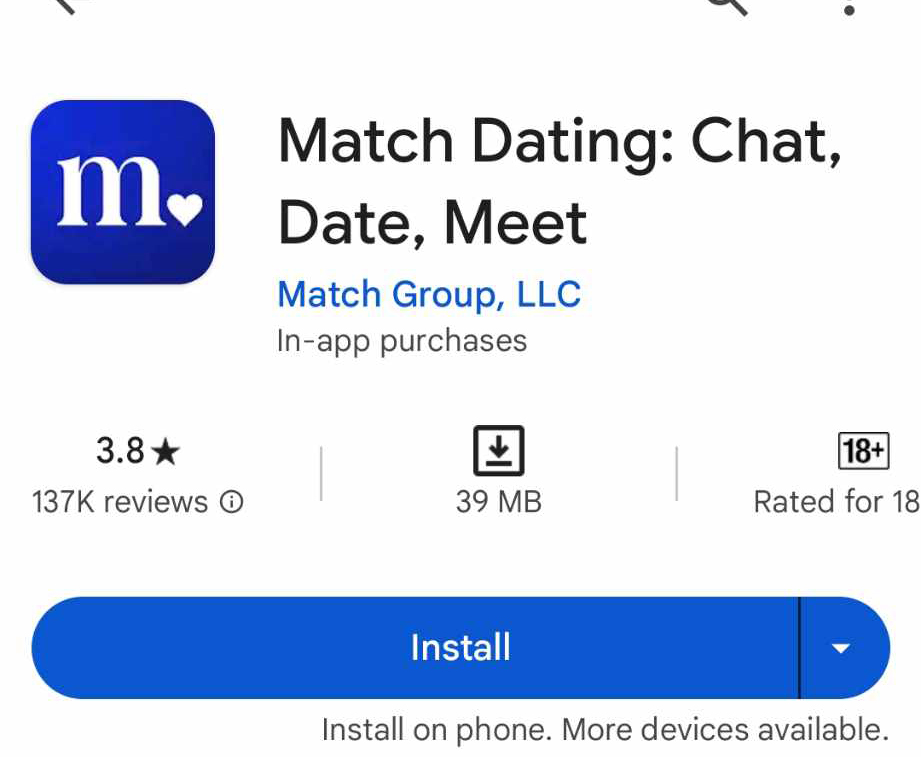
- First, go to the Google Play Store and search Match Dating.
- The logo app should be like from the screenshot below, then click Install.
Create your Match account with these steps
- Once installed, open the app.
- then click the circle with the heart shape in the middle on your bottom right screen.
- The example is in the screenshot below.

Getting Started with Match
Match app will ask questions based on your details and preferred match-up; answer what's best for you.
- Fill in the basic information about yourself. It should take 5~10 minutes to answer all of it.
- Don't worry all the questions are about yourself and your ideal partner
- When you are done filling up the essential information then you're done!
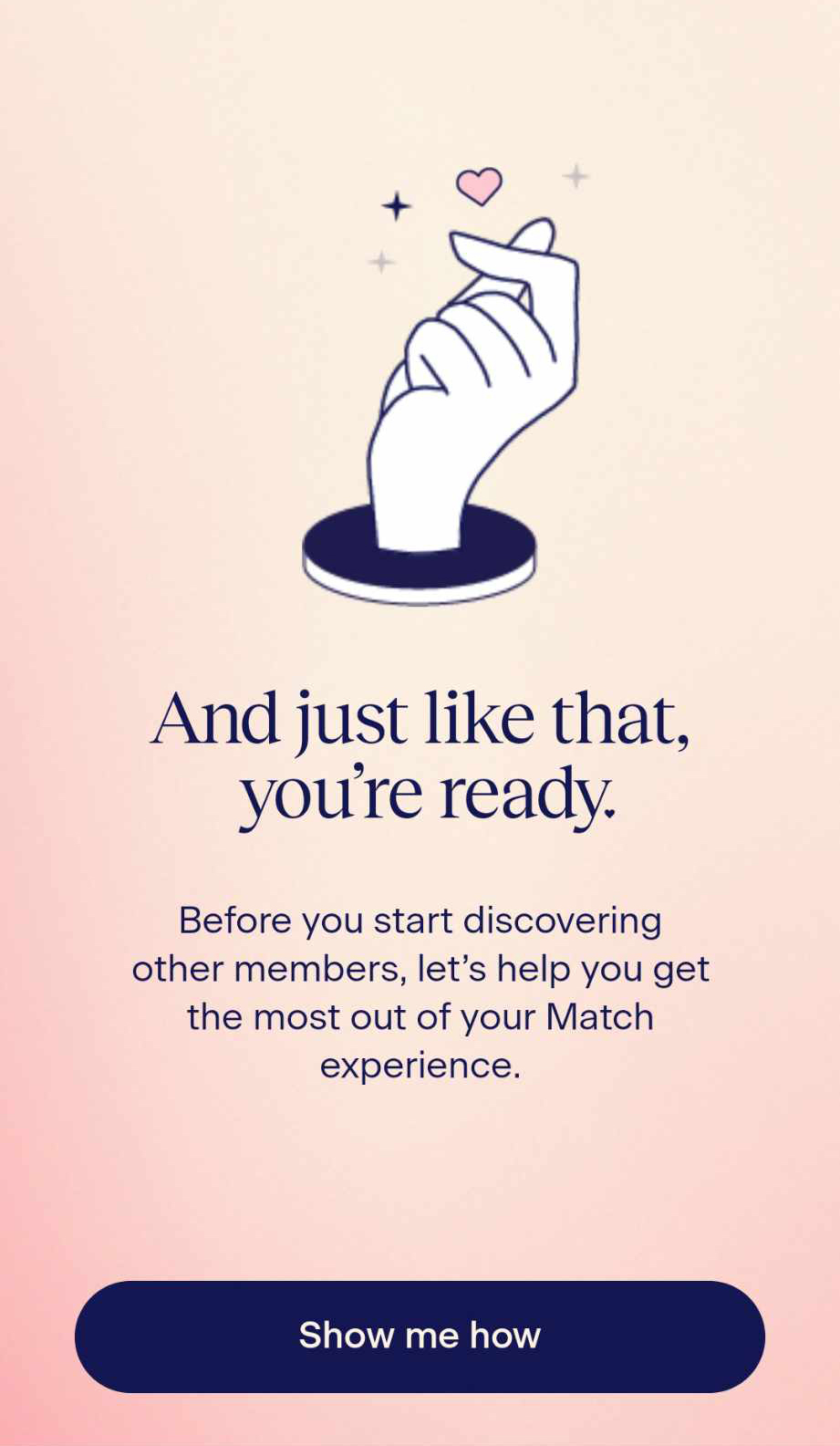
Membership benefits
- As you can see from your Match app, free users have limited access.
- This list is not included for free users:
- See who likes you
- Send unlimited intros
- Apply advance filters
- Upgrade to a paid membership, or you'll lose the chance for a discount!
Expiration date | Discounts offered |
|---|---|
Billed Monthly at $40 | 25% OFF |
Billed every 3 months at $74 | 25% OFF |
Billed every 6 months at $88 | 25% OFF |
Your location
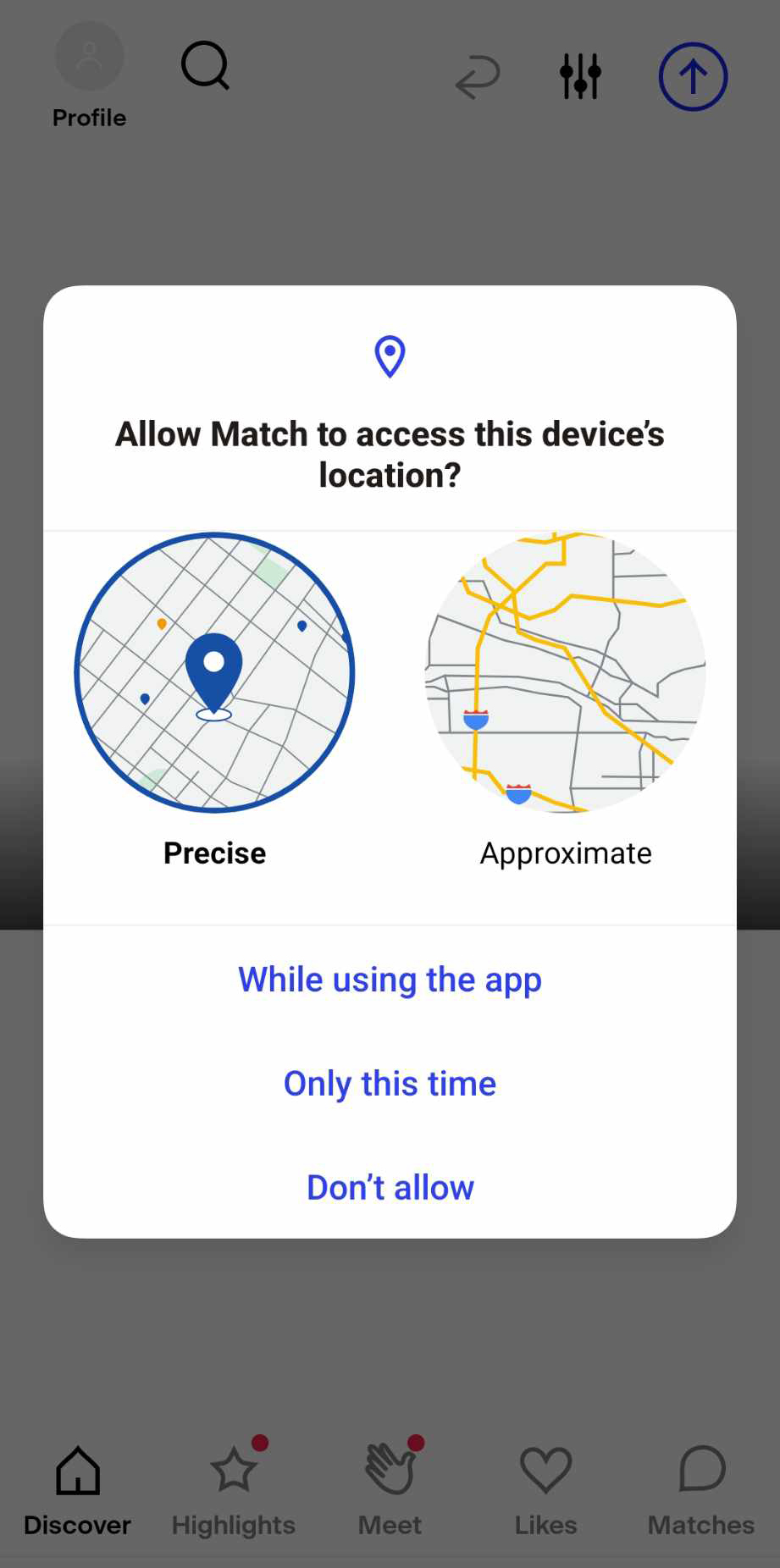
- Match would ask for your location to search for people near you.
- Please note that Match will ban your account once you do not allow it.
How to get a Match SMS verification
- Verify your Match account without using your personal phone number from SMSPool!
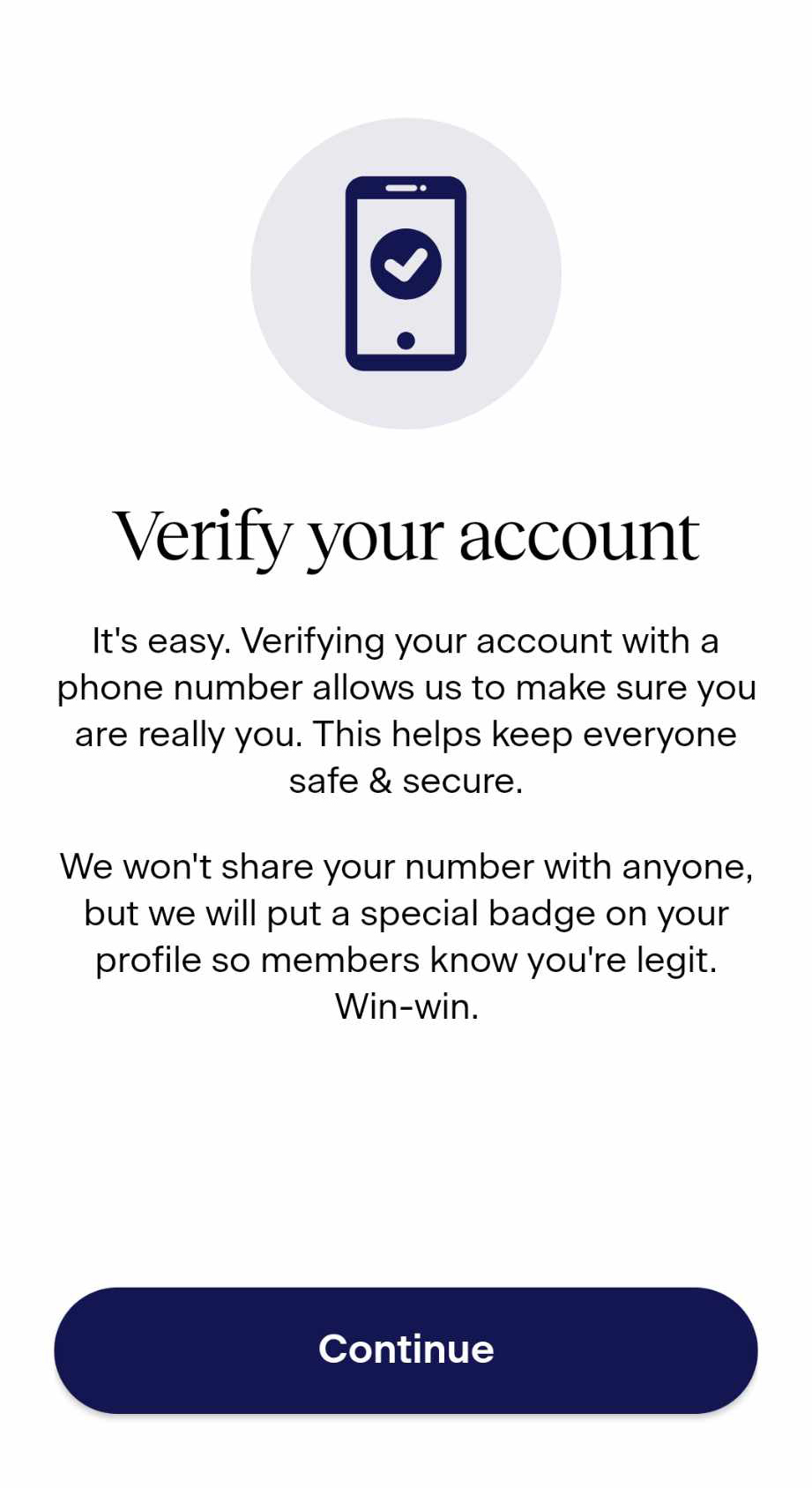
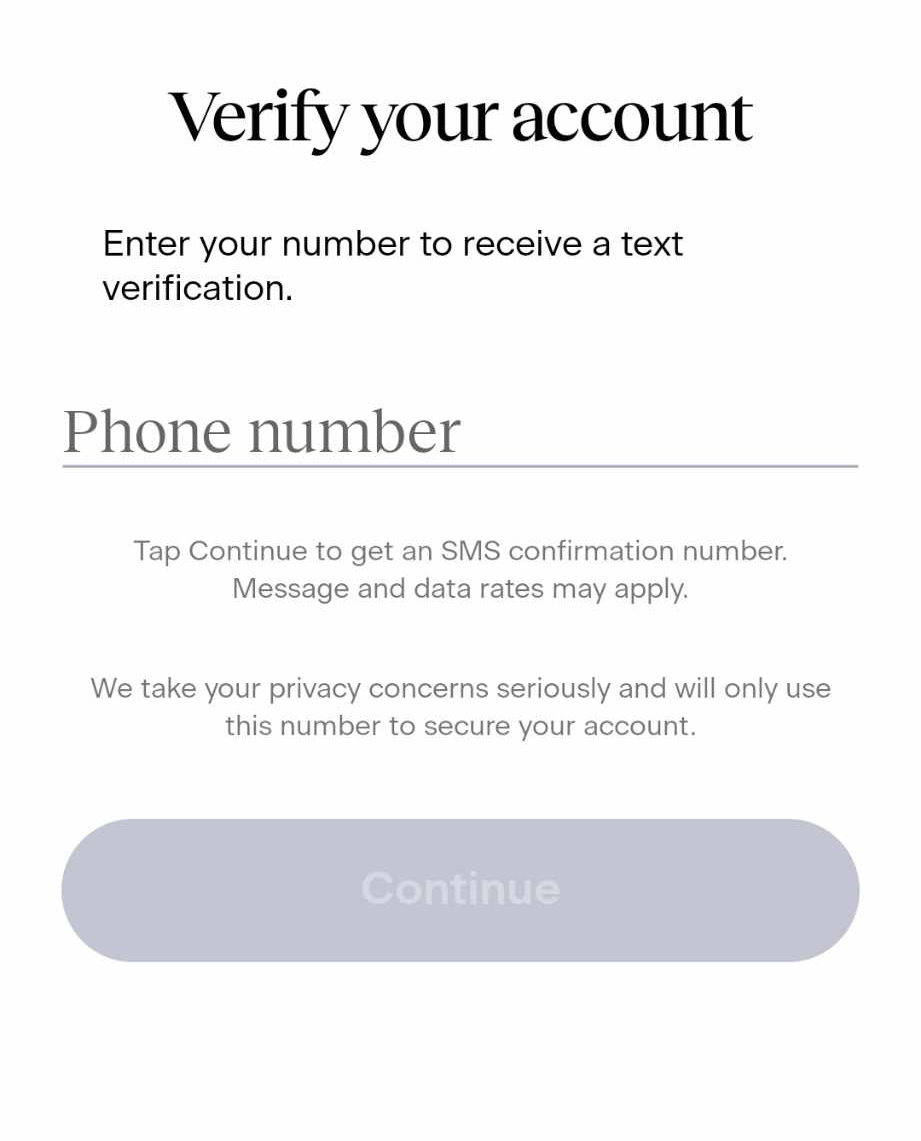
- Notice the screenshot below, it needs a phone number for Match.
- but how do you get a Match SMS verification without using your phone number?
Get your phone number for Match from SMSPool
How to get a phone number for Match
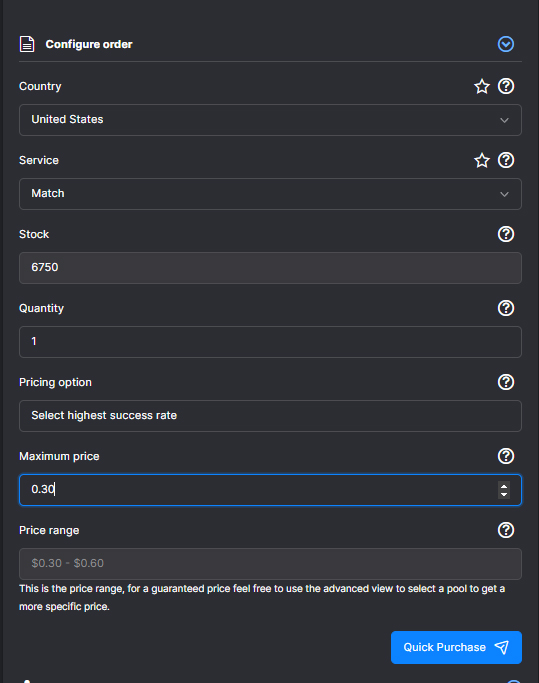
- To verify your Match account, you need to log in to SMSPool.
- You'll then see the telephone icon with the name [Order]; click it.
- Make sure to select the country you're currently in.
- The service must be MATCH and not any other service; otherwise, it will not work.
- Click Quick Purchase; then you're done!
How to get the code
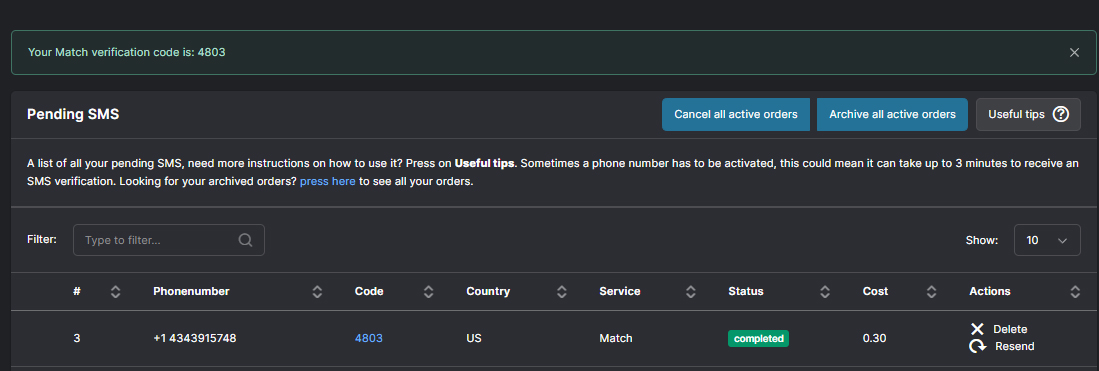
- Go to your SMSPool order page.
- An example of how the code is processed is shown in the screenshot below.
View your Pending SMS
- As you can see from the screenshot, the code tab is loading to get the SMS Code.

Receive your Match SMS verification code
- Copy the code that was sent to your SMSPool order page; the example shown in the screenshot below is:
4803
Your Match account is now verified!
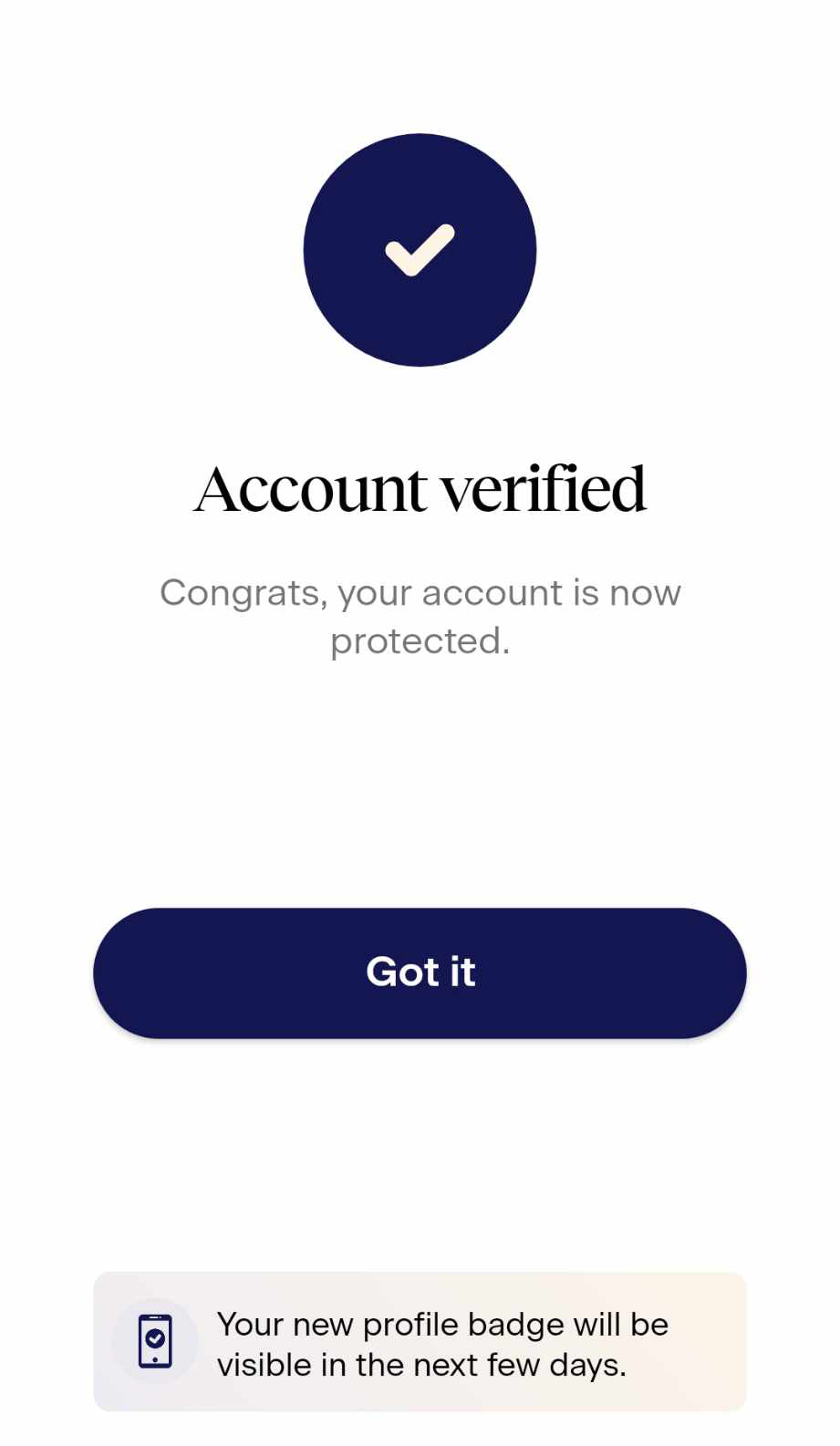
From this point on, your journey in searching for a partner entirely depends on you. Make a choice that will change your life!
Having trouble receiving your SMS code?
The list below might solve that problem! Follow it closely.
- Please ensure the number is based on your current location; sometimes, it will not work. If the problem persists, use a VPN. Then click the app.
- Do not exit the Match app before even receiving the code from SMSPool.
- Make sure to check your data or wifi if it has internet.
- Check the phone number; ensure you fill in your one-time code number correctly.
If the issue persists, open a ticket from your SMSPool account. Don't worry! We are quick to respond to your inquiries, no matter what.
Return to knowledgebaseAbout the author
SMSPool Admin
The owner of SMSPool.net, a site that originally started as a hobby but saw rapid expansion due to the high demand, loves anything technology related and loves writing about technology related articles.
www.smspool.netOther interesting articles
How to receive a Voice OTP or Flash Call
This guide showcases how to use our Voice OTP/Flash Call feature on SMSPool.
- By Admin
- November 6, 2025
Register User Interviews without a number
Step-by-step guide to registering on User Interviews with a virtual phone number. Securely complete SMS verification without sharing your personal phone number.
- By Admin
- February 1, 2026
How to Pass Forest Bikes SMS Verification
Forest Bikes SMS verification failing? Learn why VoIP numbers get blocked and how to verify your account instantly with a real non-voIP UK number from SMSPool.
- By Admin
- April 20, 2026
List of unofficial SMSPool repositories
A list of unofficial SMSPool repositories integrated with our SMS verification API to improve your integration process
- By Admin
- June 27, 2022
Get Walmart SMS Verification
Enhance your online shopping security with Walmart SMS verification, bolstered by temporary virtual phone numbers for added privacy.
- By Admin
- February 13, 2024
How To Get a Malaysia Phone Number
Get a Malaysia phone number using the SMSPool service.
- By Admin
- May 31, 2024
How to access your SMSPool Order History
This article showcases how to access your SMSPool Order History
- By Admin
- December 8, 2025