




Quick links
How to create a Telegram account
- By SMSPool Admin
- Guides

Telegram is a cross-platform IM service that works on mobile devices and desktops. It is currently a free app, but in the future, Telegram plans to add premium subscriptions that give access to certain features, such as extra stickers. Telegram is primarily known for protecting privacy and providing end-to-end encryption (when you use their secret chats) to its users. As you might have noticed, you can only sign up using your mobile phone number, which is odd, especially for a service that's centered on privacy and security. So, how can I create a Telegram account without a phone number? There's an easy answer to that; SMSPool allows you to verify Telegram accounts with their Telegram SMS verifications priced at 0.60 dollars; find out how to register a Telegram account in less than 5 minutes!
What do I need to register for a Telegram account?
- A physical mobile device with at least 250MB of space (Telegram does not allow Emulators or Desktop registrations)
- A phone number or use SMSPool for your SMS verifications
- $0.60 balance on your SMSPool account
How do I create a Telegram account?
Creating a Telegram account using our Telegram SMS verifications is easy! All you need to do is follow these five steps.
Download the Telegram app on the App Store/Play Store.
Attempting to register a Telegram account on your desktop will NOT work; you have to use a physical mobile device.
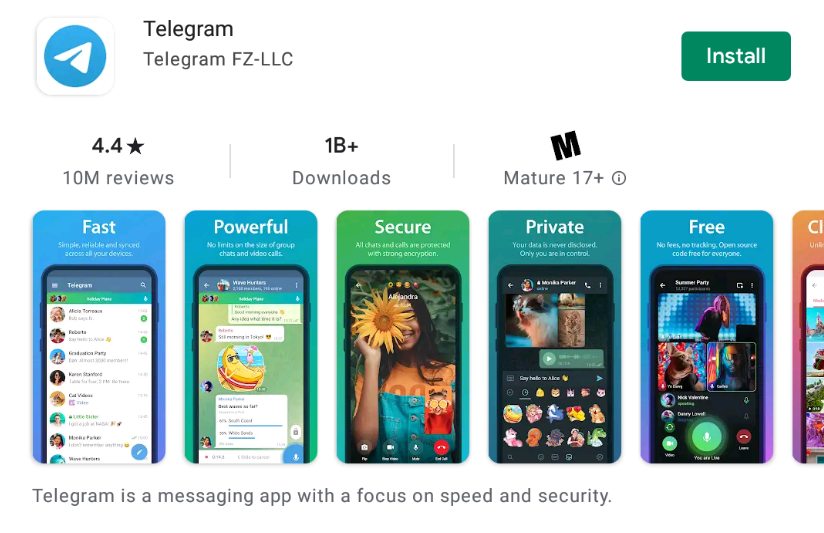
Open the Telegram App on your mobile.
After opening the Telegram App, you will be greeted with a simple page with a "Start Messaging" button. Press that button, and it should open a screen that asks for your phone number.
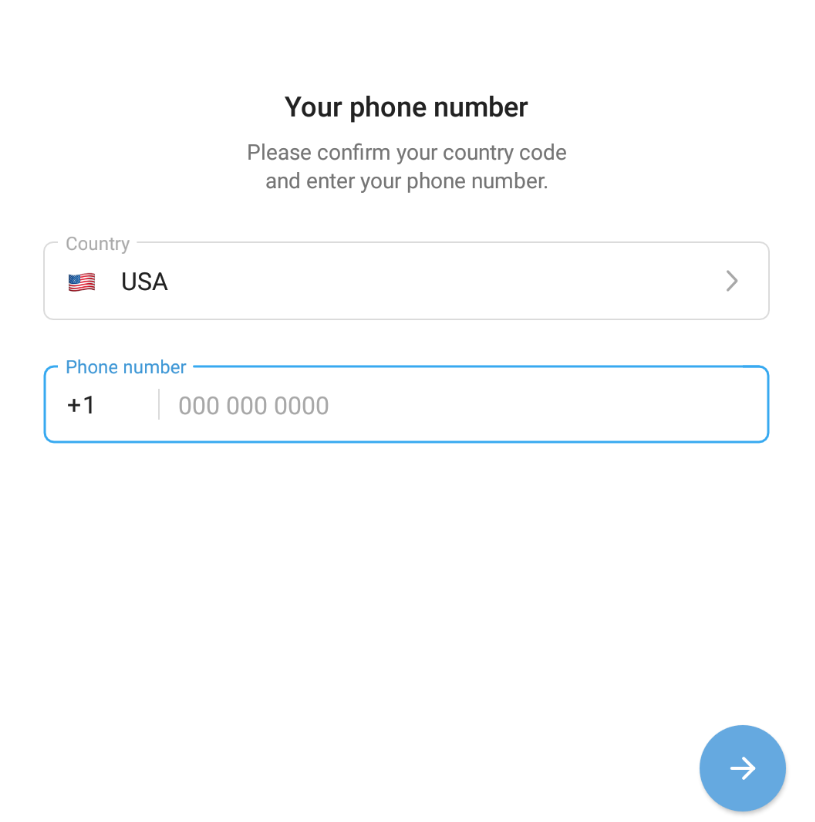
Fill in your phone number or get a phone number from SMSPool
You will need your phone number for this step, or you can get a free Telegram SMS verification from SMSPool. But of course, the paid phone numbers work the best, so we will use them for this tutorial. If you don't know how to get a paid phone number, please read our guide on how to get a paid SMS verification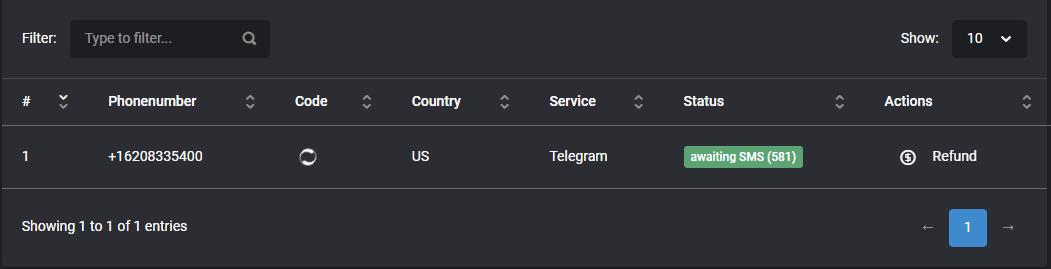
Since we are from the US, we will get a US phone number and enter it in Telegram. After filling it in, press the arrow on the bottom right. It'll ask if this is the correct number; press yes, and it should send you an SMS verification.
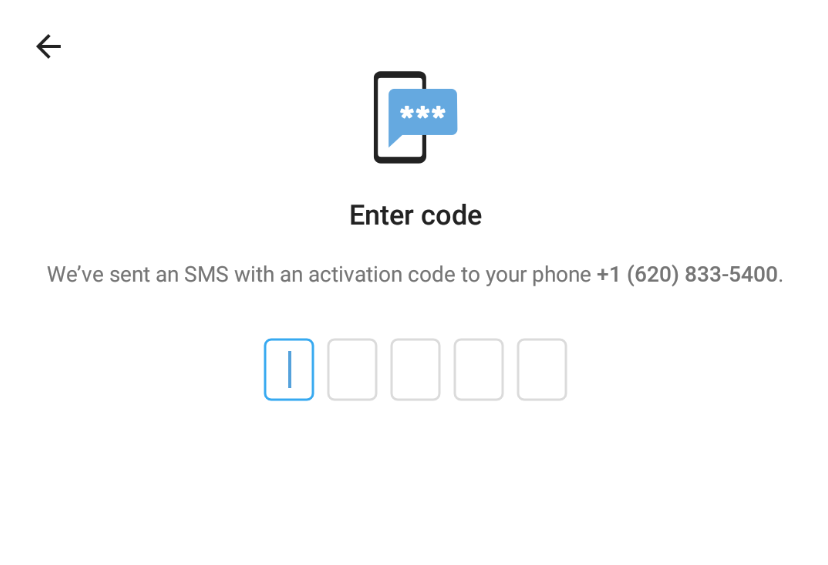
Receive your SMS code.
If you use your phone number, you should receive an SMS that looks like this:Telegram code: 29302 You can also tap on this link to log in: https://t.me/login/29302. If you did, fill in the 5-number code; in our case, it is 29302, as shown in our screenshot.
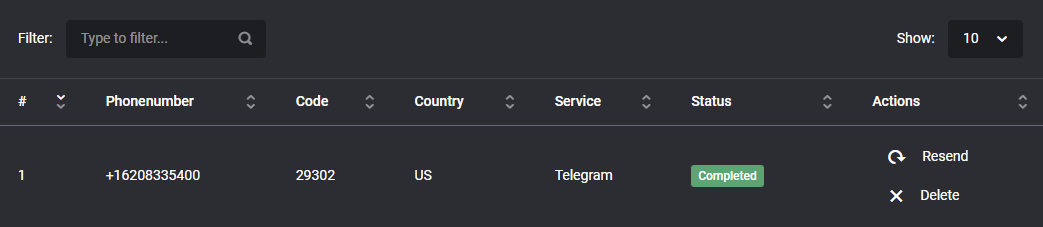
Fill in the SMS code
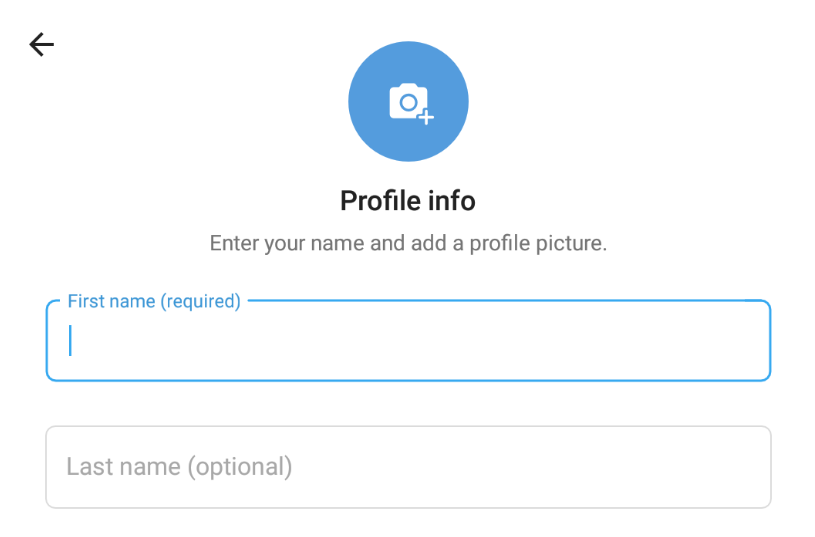
And voila! You have registered your Telegram account without needing a phone number within five steps. Are we running into issues when using our phone number? Feel free to contact our support team; we will help you as soon as possible! However, I have listed some tips & common issues below.
Tips for a successful Telegram account registration:
- Utilise a non-rooted or jailbroken physical mobile device (refrain from using custom ROMs, Android emulators, and GrapheneOS during the initial verification phase as these may occasionally be detected by Telegram; these devices can be utilised after account setup).
- Pair a US phone number with a US IP address via a paid VPN service (e.g., Mullvad VPN, IVPN) for registration.
- After registration, log into multiple devices and enable 2FA to maintain access and reduce reliance on future SMS verification.
Why am I not getting a Telegram SMS verification?
- If you attempt to register a Telegram account on a desktop, try it on a physical mobile device (not an Android emulator); otherwise, it will say the number is used every time you attempt a verification, or it will not send a code at all.
- If your device/IP is flagged for creating too many accounts, try another physical mobile device and IP address.
- You have been ghost-banned for spam, or the IP is banned for spam.
- The phone number does not correlate with your country; for example, a Russian phone number is less likely to work if you live in the US than a US phone number.
- You're using Telegram Web, you need to use a physical mobile device on it's stock operating system.
- If you downloaded Telegram via an APK on Android or an IPA on iOS from the official or unofficial source, it is recommended to download it directly from Google Play or the App Store. Failure to do so may result in verification issues for Telegram.
- You use a jailbroken/rooted device or a custom ROM such as CalyxOS or GrapheneOS, which Telegram could block when registering accounts. Please try registering with the default operating system for that device.
- Some of our Android users have reported issues verifying with the main official Telegram app, but they've found that Telegram X (which is also an official client) works.
Common issues for Telegram
- The code has been sent to another device. This often indicates that your device or IP address has been flagged (a process known as fingerprinting). If you experience this issue with several numbers in a row, Telegram may be restricting registrations from your setup. To resolve this, please try registering using a physical mobile device running official (stock) firmware. Make sure to use one of our non-VoIP numbers and download Telegram directly from the Google Play Store (for Android) or the App Store (for iOS). Otherwise, this issue may persist.
About the author
SMSPool Admin
The owner of SMSPool.net, a site that originally started as a hobby but saw rapid expansion due to the high demand, loves anything technology related and loves writing about technology related articles.
www.smspool.netOther interesting articles
How to change your SMSPool Password
Step-by-step tutorial on changing your SMSPool password.
- By Admin
- December 27, 2025
Long-term Rental Frequently Asked Questions
Long-term Rental Frequently Asked Questions, you will find useful information you should know about our monthly rentals.
- By Admin
- August 6, 2025
How to report a security issue
How to report a security issue to SMSPool
- By Admin
- July 12, 2025
Why we strongly advise against Free VPNs
Free VPNs promise privacy but often sell your data, use your device as a proxy, and cause SMS verifications to fail. Learn why SMSPool warns against them.
- By Admin
- April 3, 2026
What to Do If You Suspect Unauthorized Use
Step-by-step guide on what to do if you suspect unauthorised use of your SMSPool account.
- By Admin
- January 21, 2026
How to Request a Bulk Discount on SMSPool
Looking to buy SMS verification numbers in bulk? Learn how to request a custom discount on SMSPool.
- By Admin
- March 7, 2026
How To Get a Malaysia Phone Number
Get a Malaysia phone number using the SMSPool service.
- By Admin
- May 31, 2024